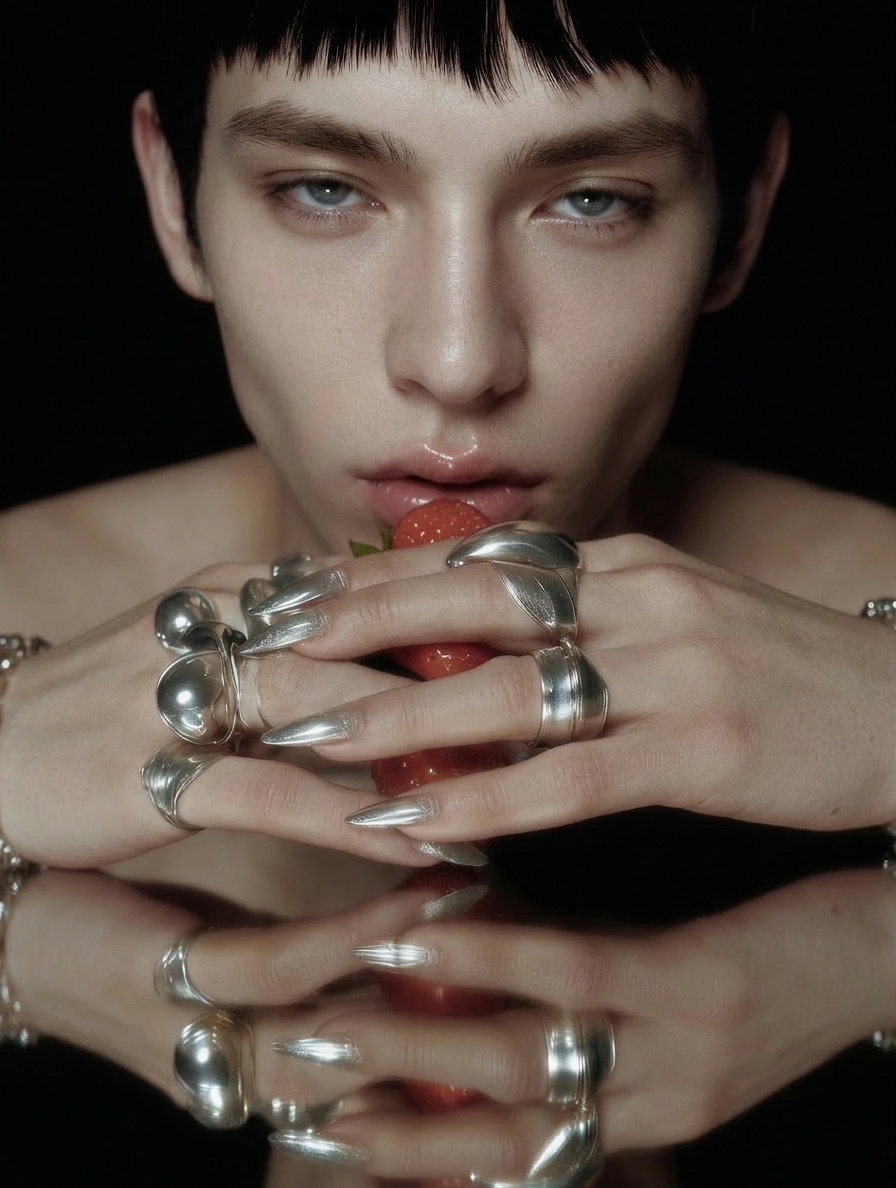
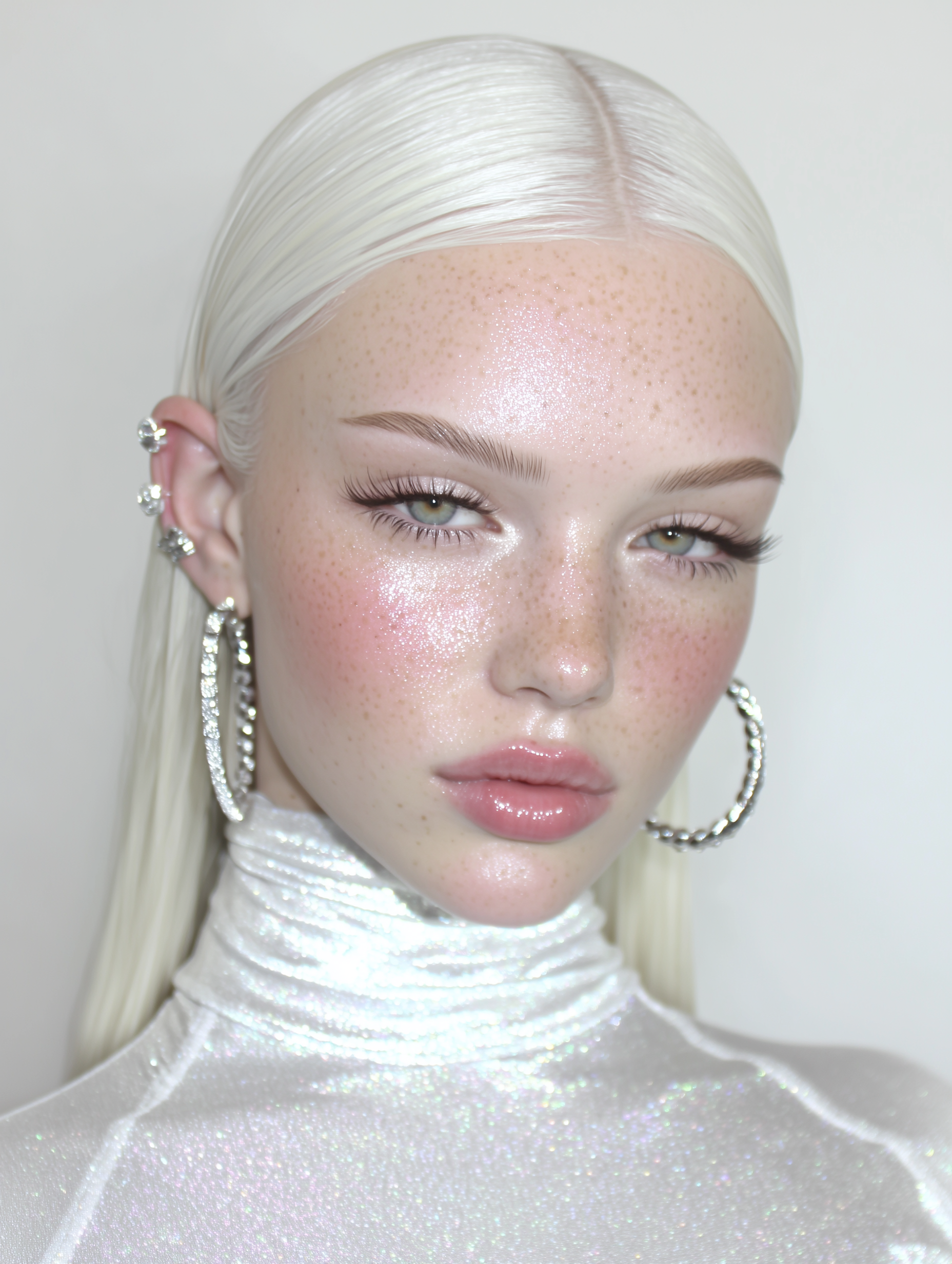
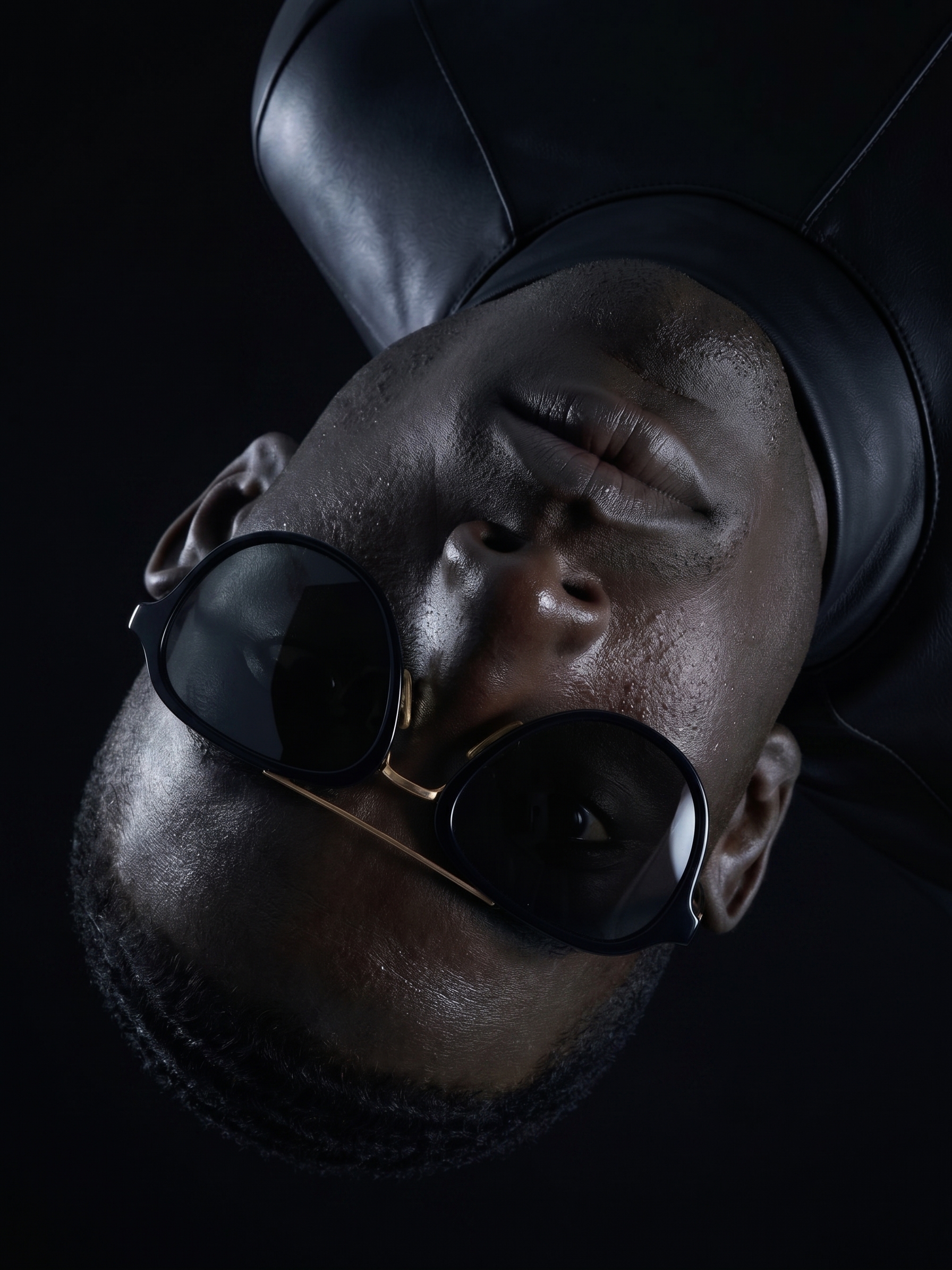
Photorealistic AI Portraits.
Direct the Light. Shape the Portrait.
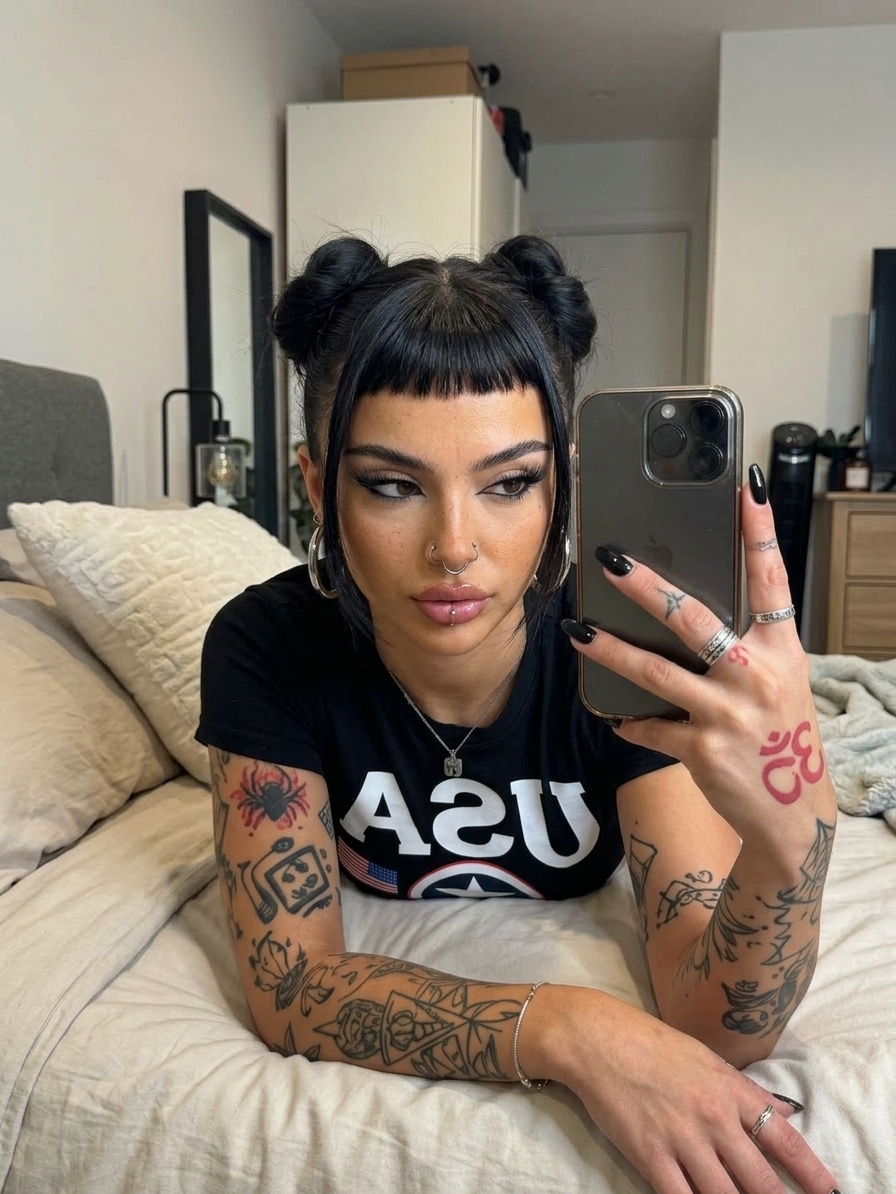
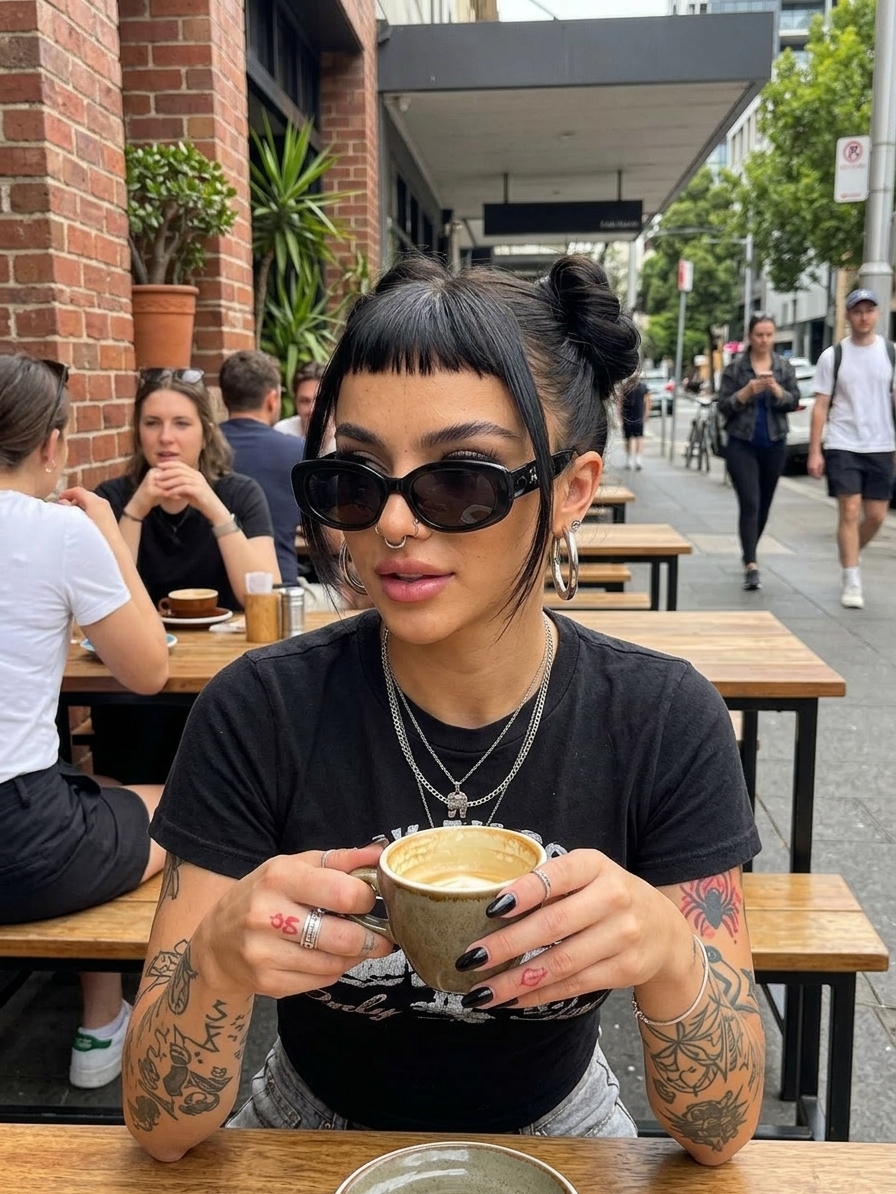
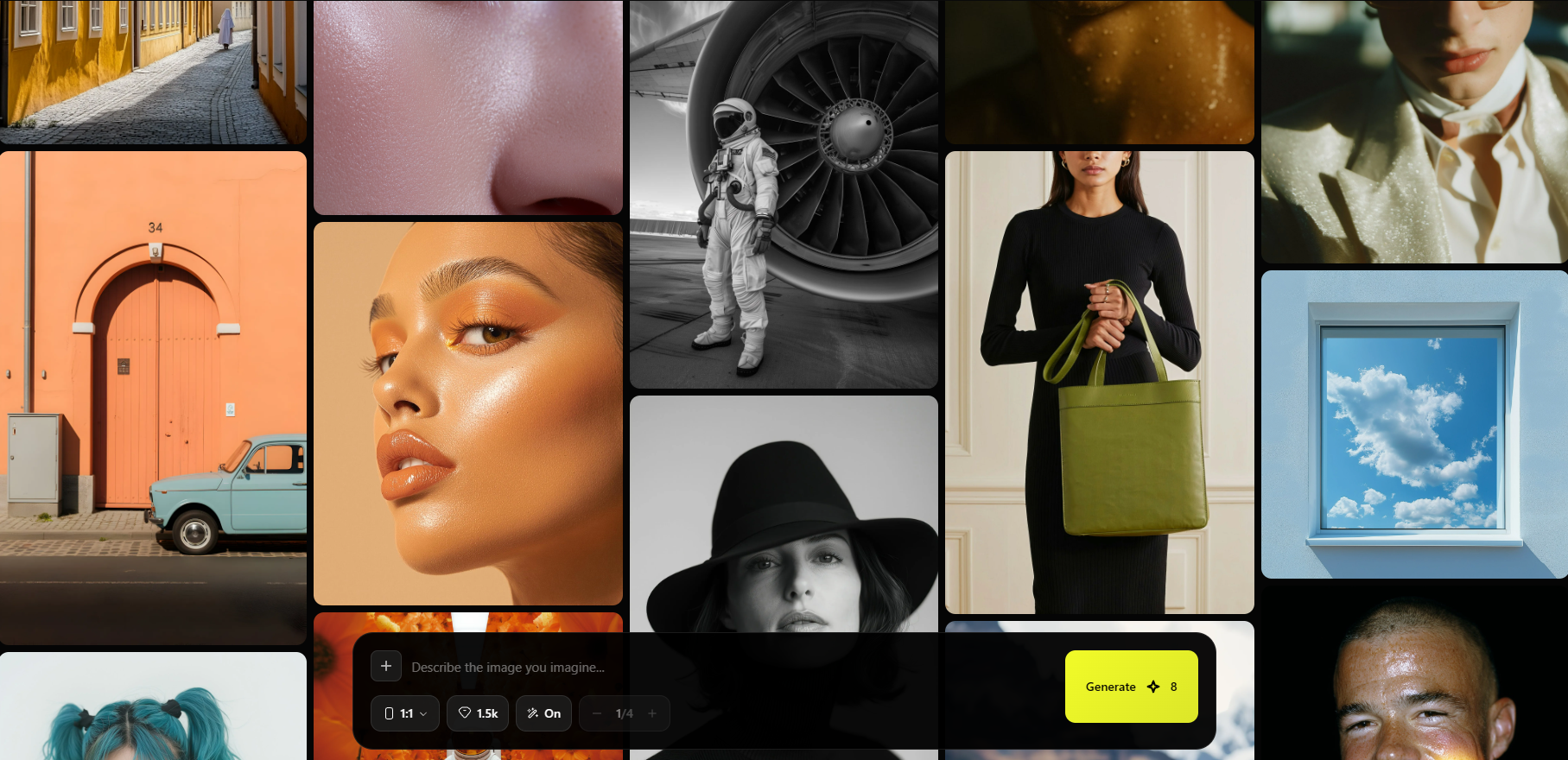
Describe the person, framing, and lighting you want, then generate a photo-style portrait with optional image references to guide the result.
Build the portrait around a photographic brief
Open Image and describe the subject, camera angle, setting, and light. Add reference images when useful, choose an aspect ratio, and refine the prompt after reviewing the first result.
- Prompt-led portrait generation with optional references
- Specify framing, wardrobe, background, and lighting
- Choose an aspect ratio for the intended placement
- Finish with separate Skin Fix or Upscale tools if needed
Give the model visible details to work with
Concrete photographic instructions make a more useful brief than simply asking for maximum realism.
Describe the light source
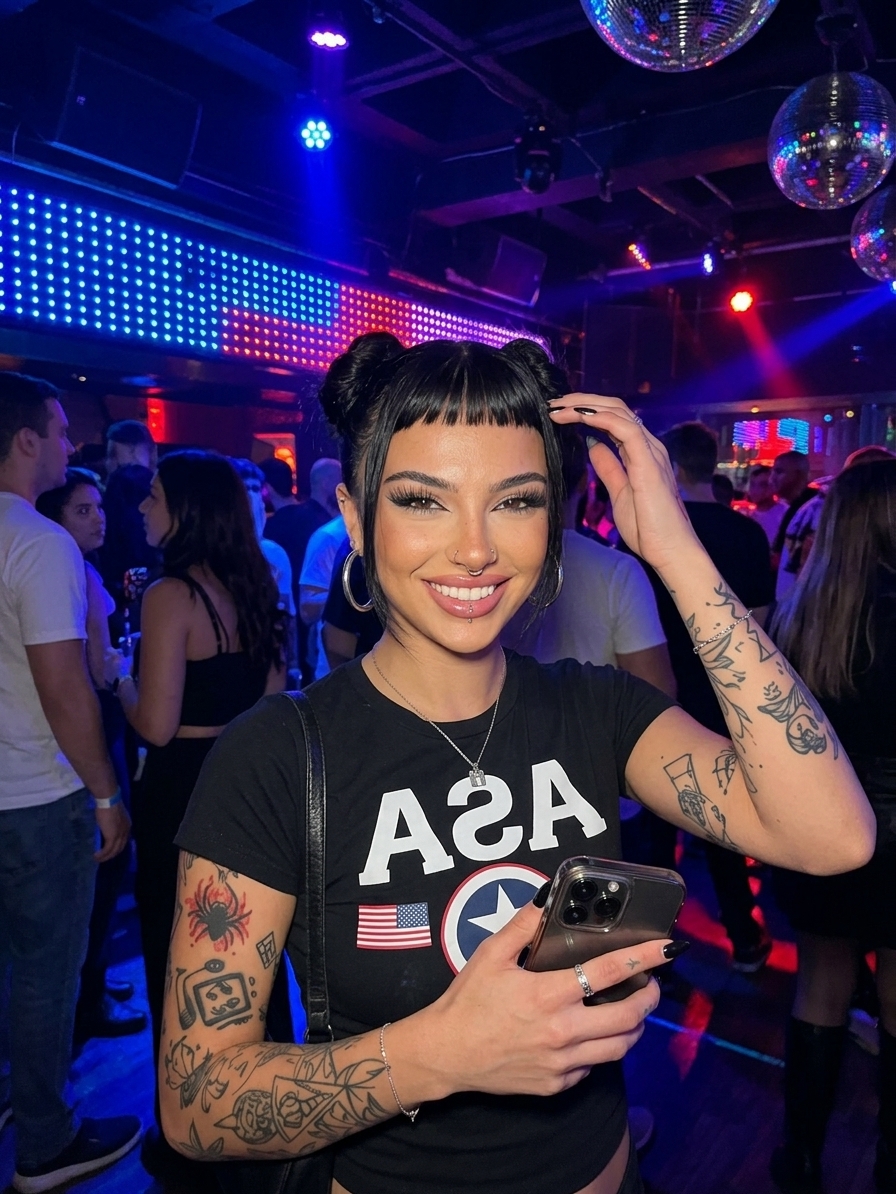
Try soft window light from one side with gentle shadows. Use a coherent lighting setup rather than several conflicting styles.
Choose the framing
Specify a chest-up portrait, eye-level view, and a simple background. Match the requested detail to how large the face appears in the image.
Review the finished face
Inspect eyes, teeth, skin, and accessories. Generative output can contain artifacts, so select and refine before using the portrait publicly.
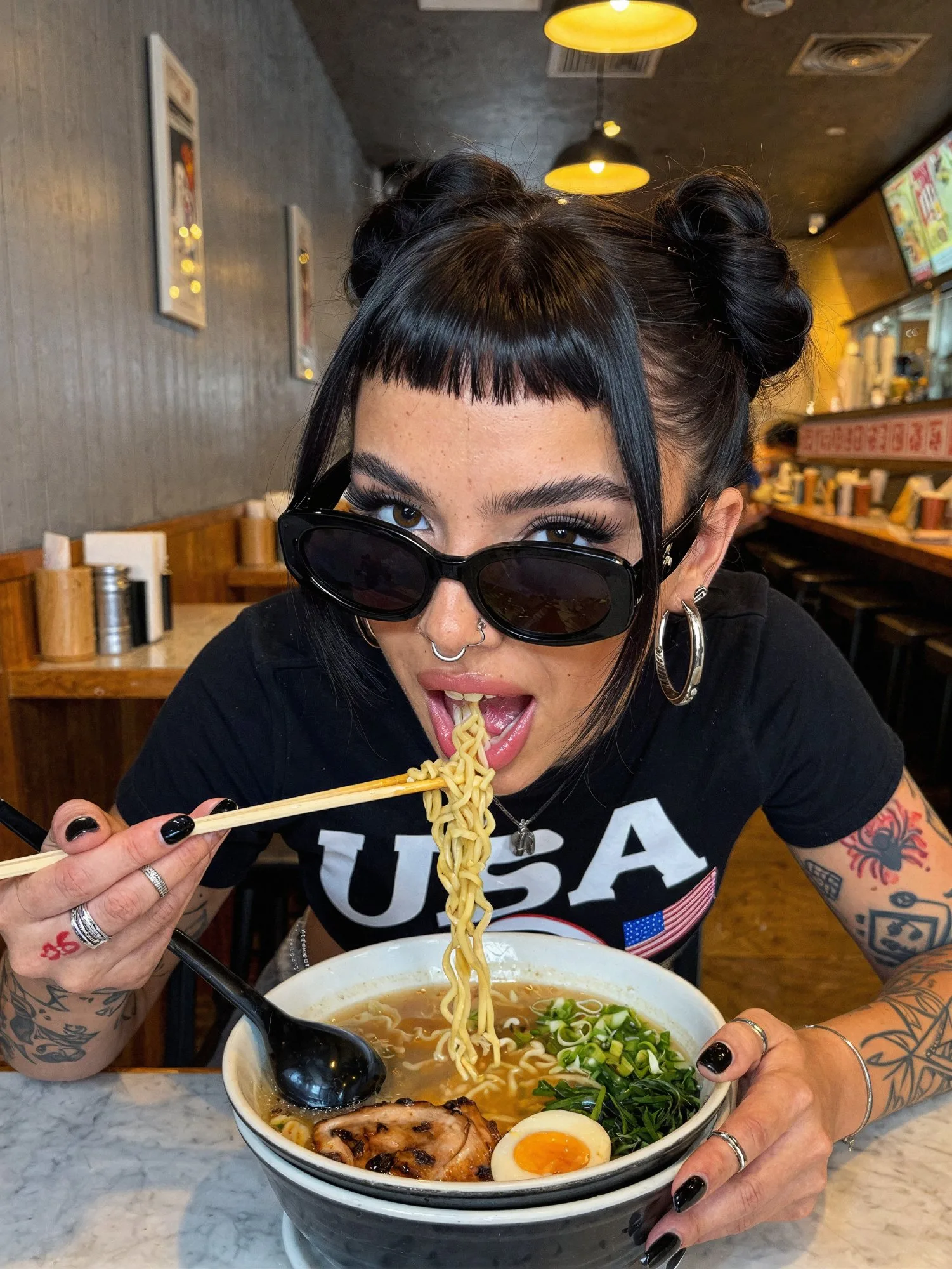
Powered by Leading AI Models:




Ads That Sell,
Made In Seconds.
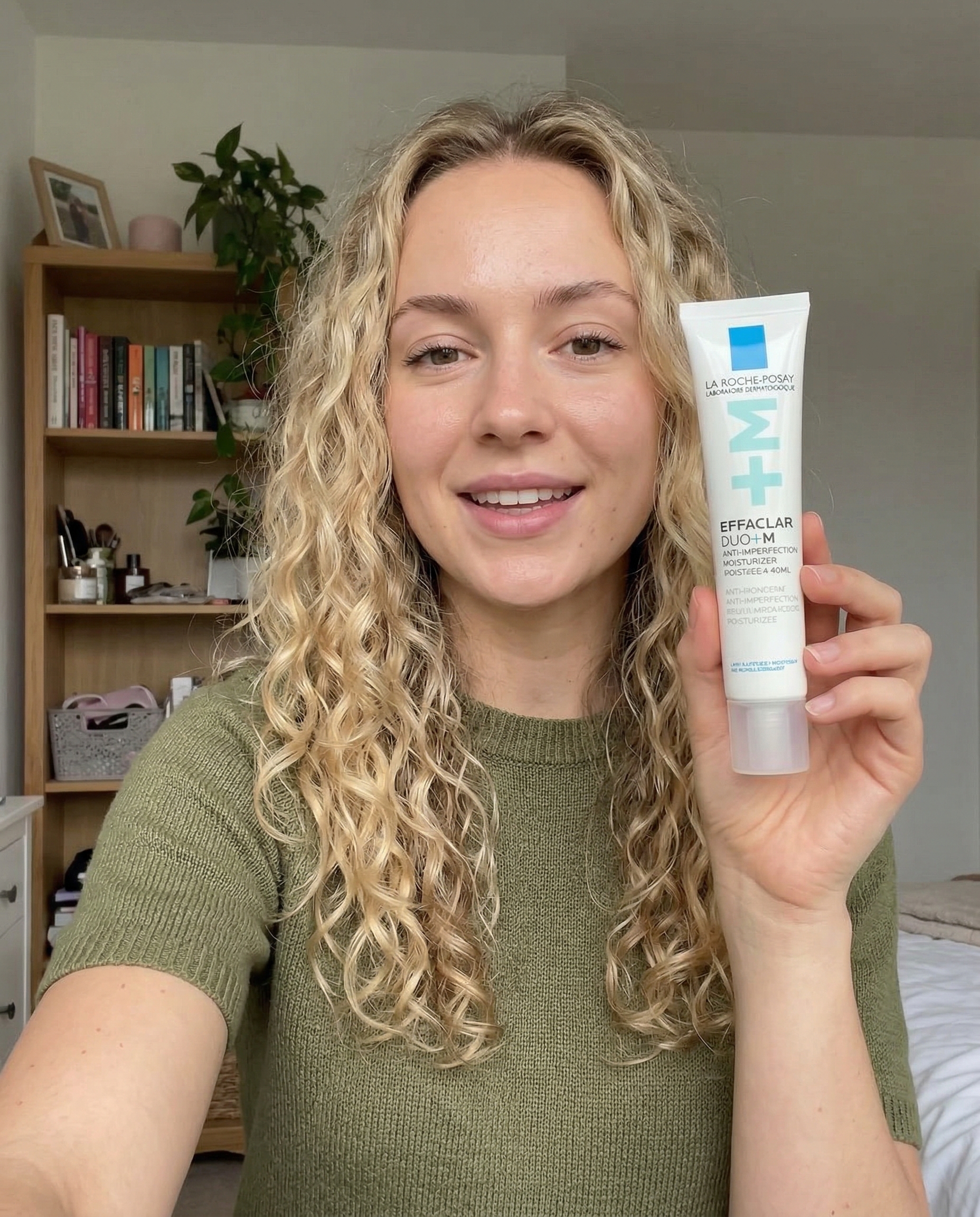
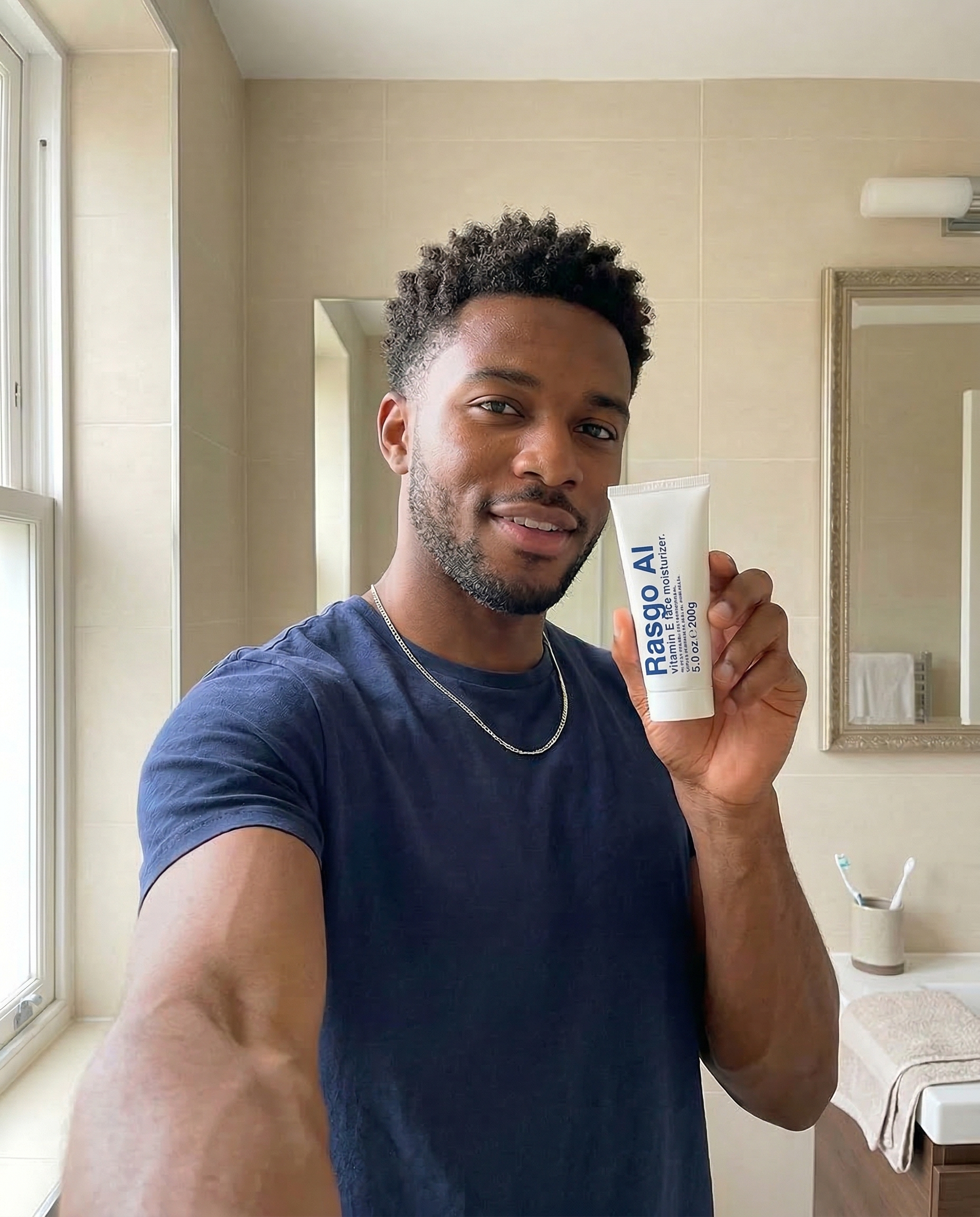
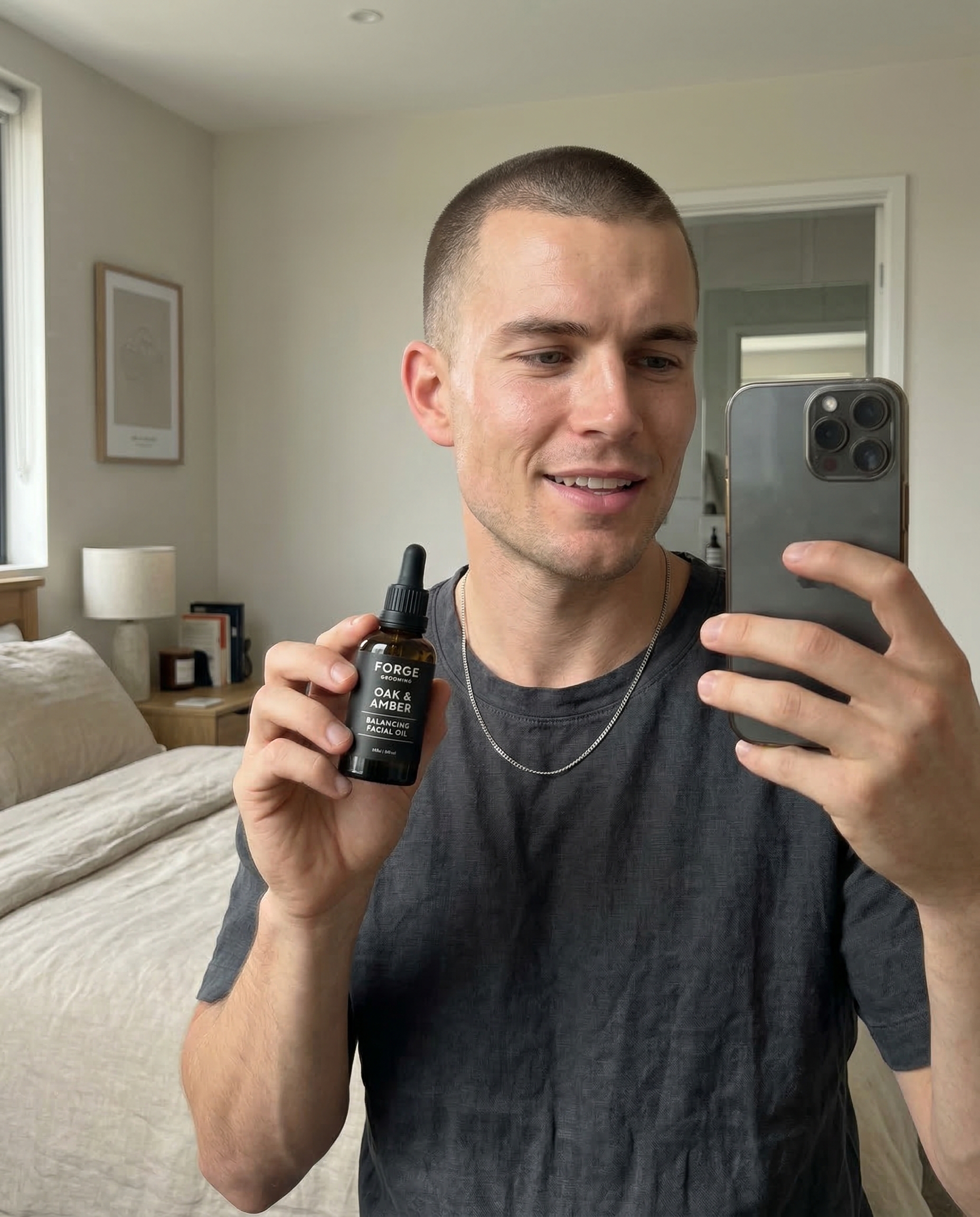
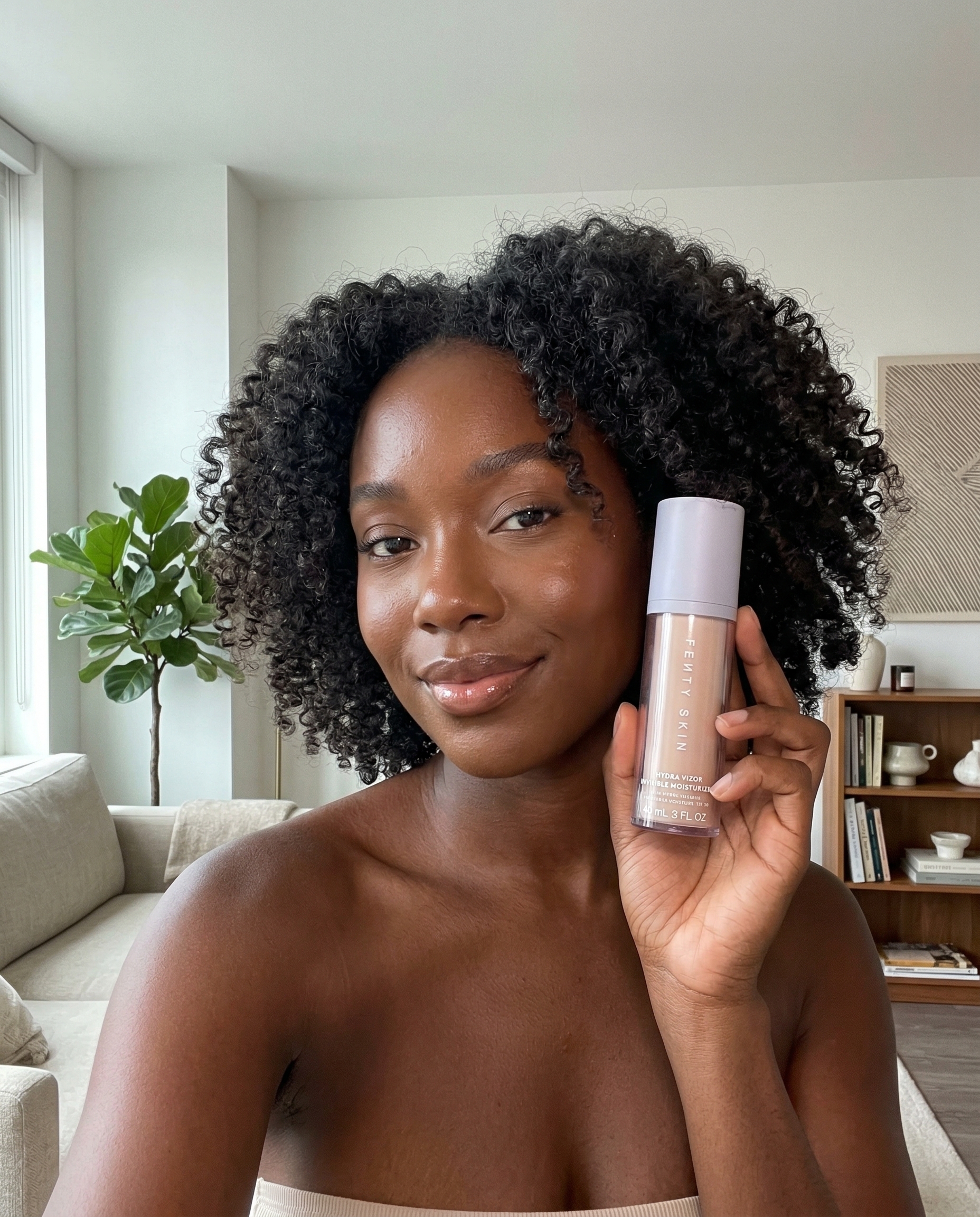
Pick an avatar, add your product, and generate UGC, unboxings, and try-on ads in seconds.
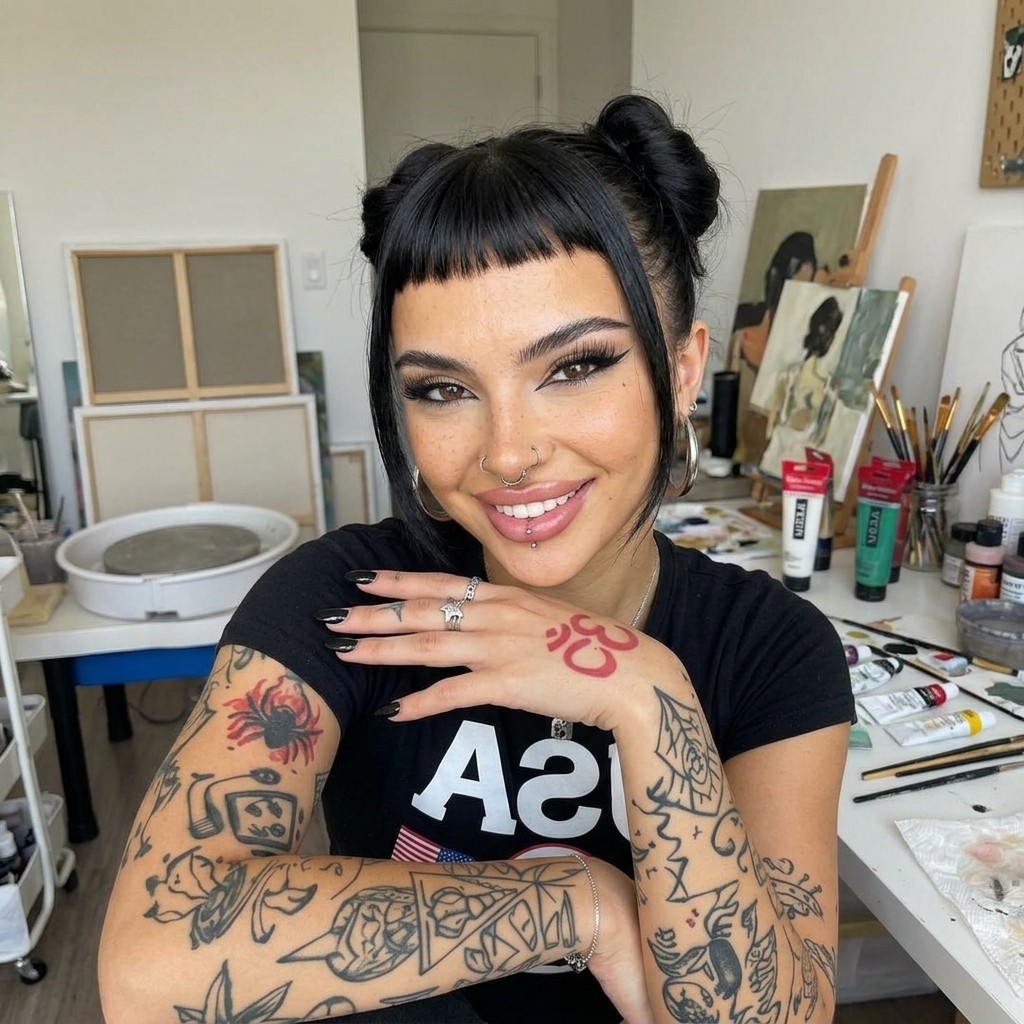
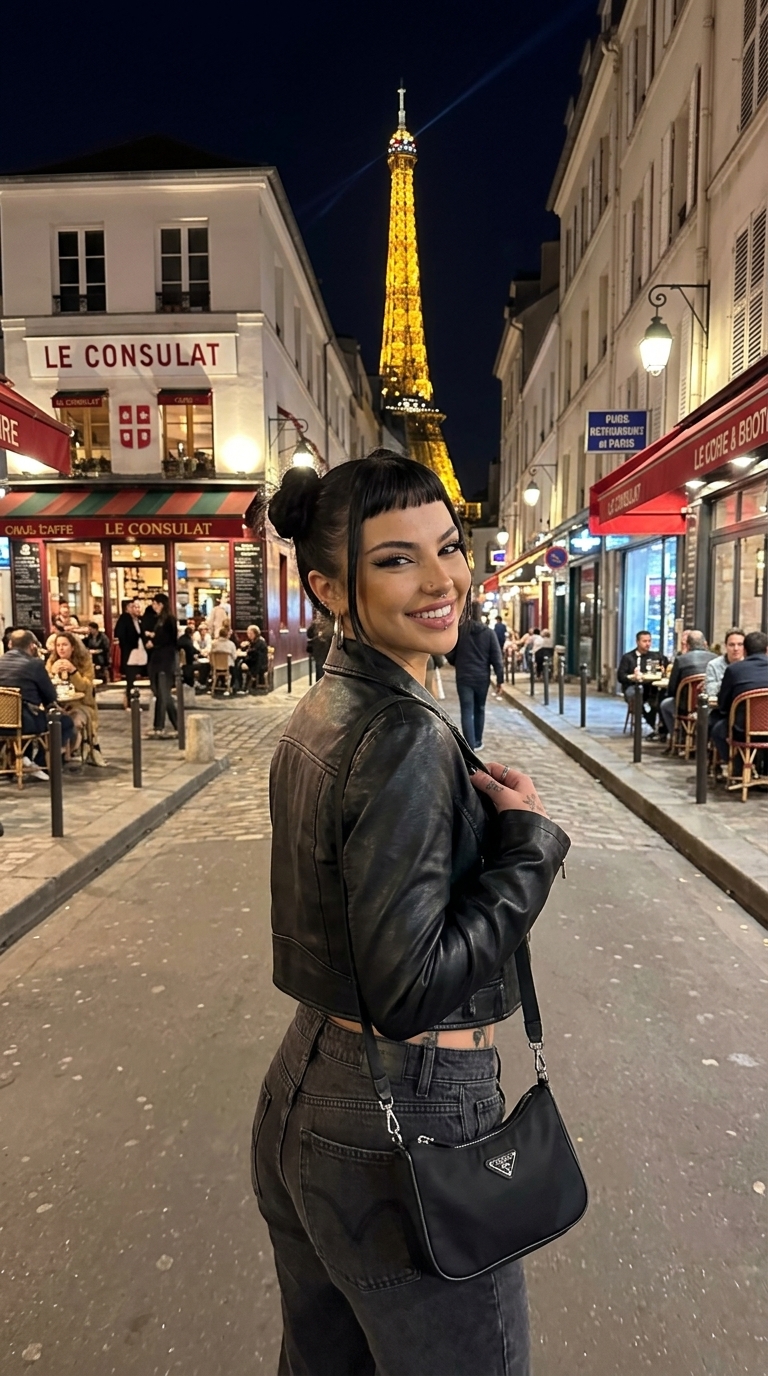
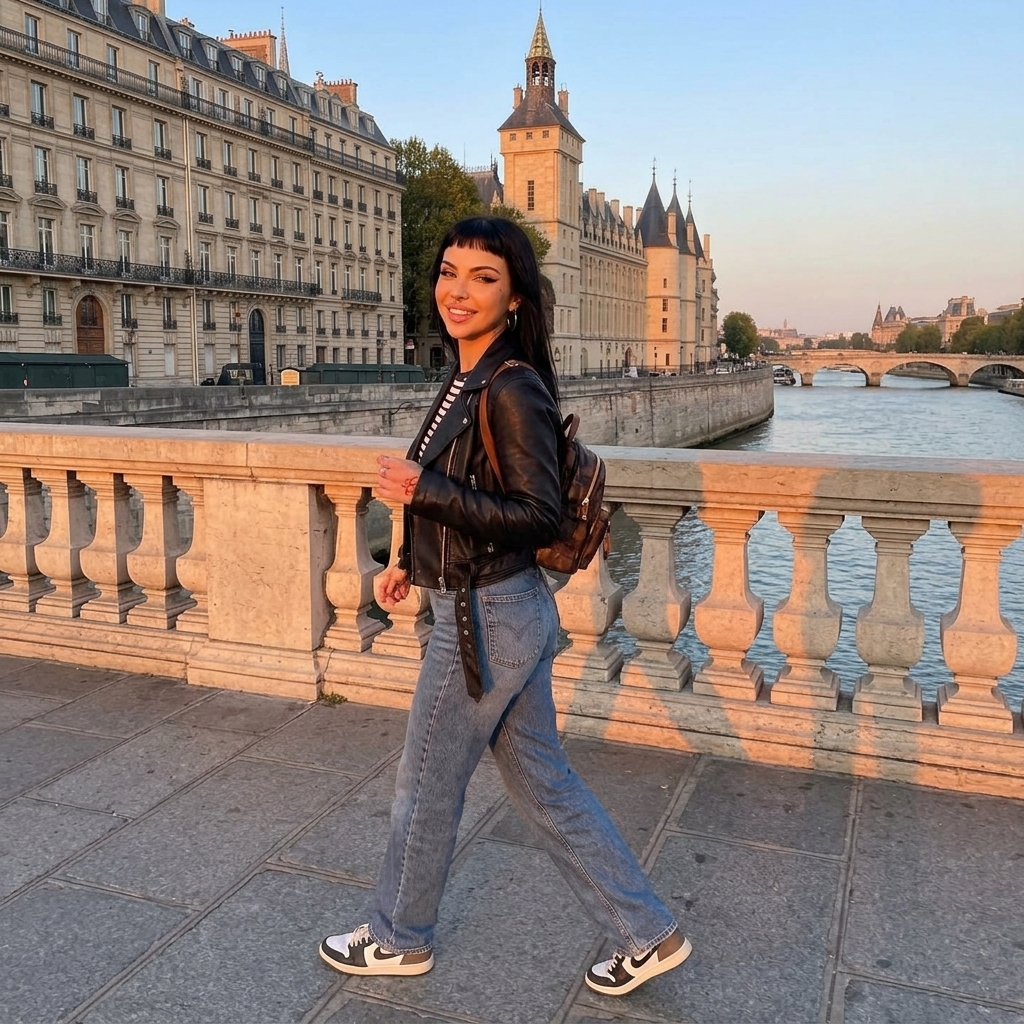
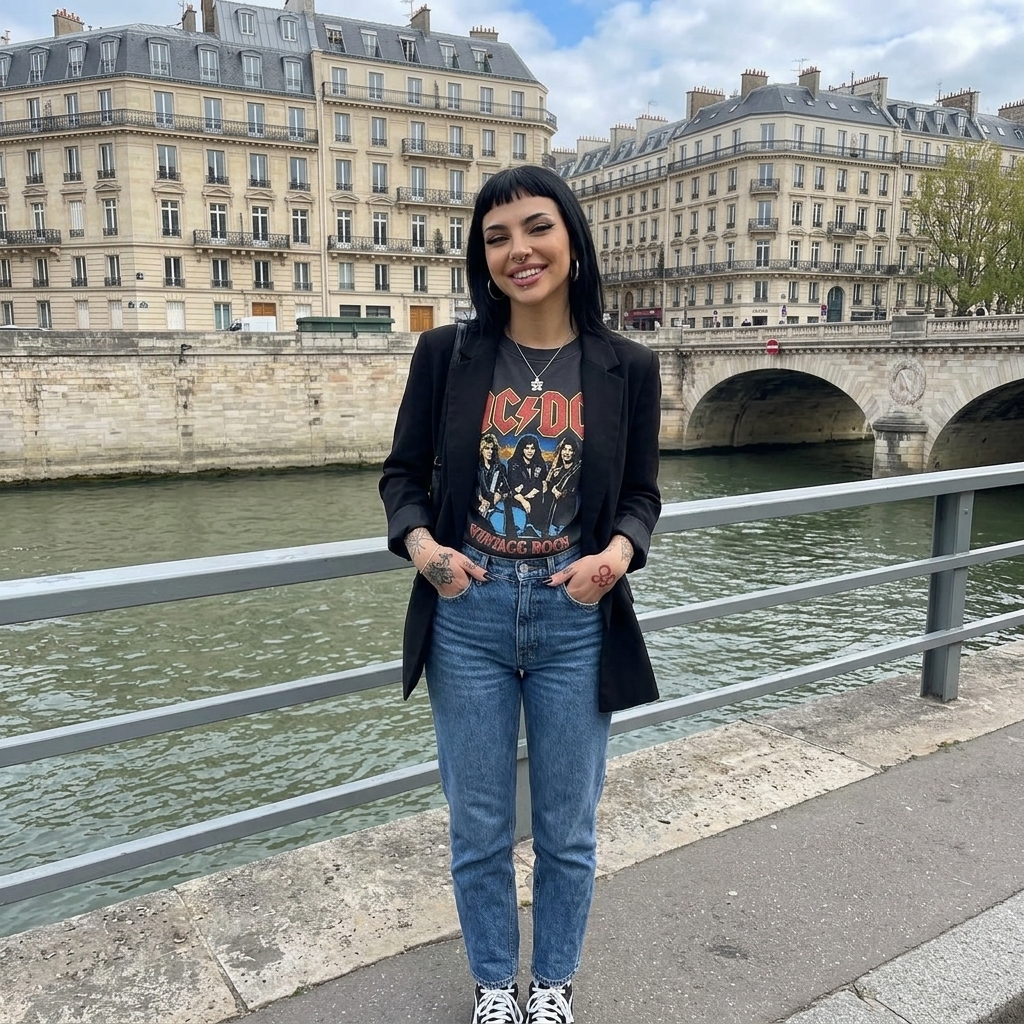
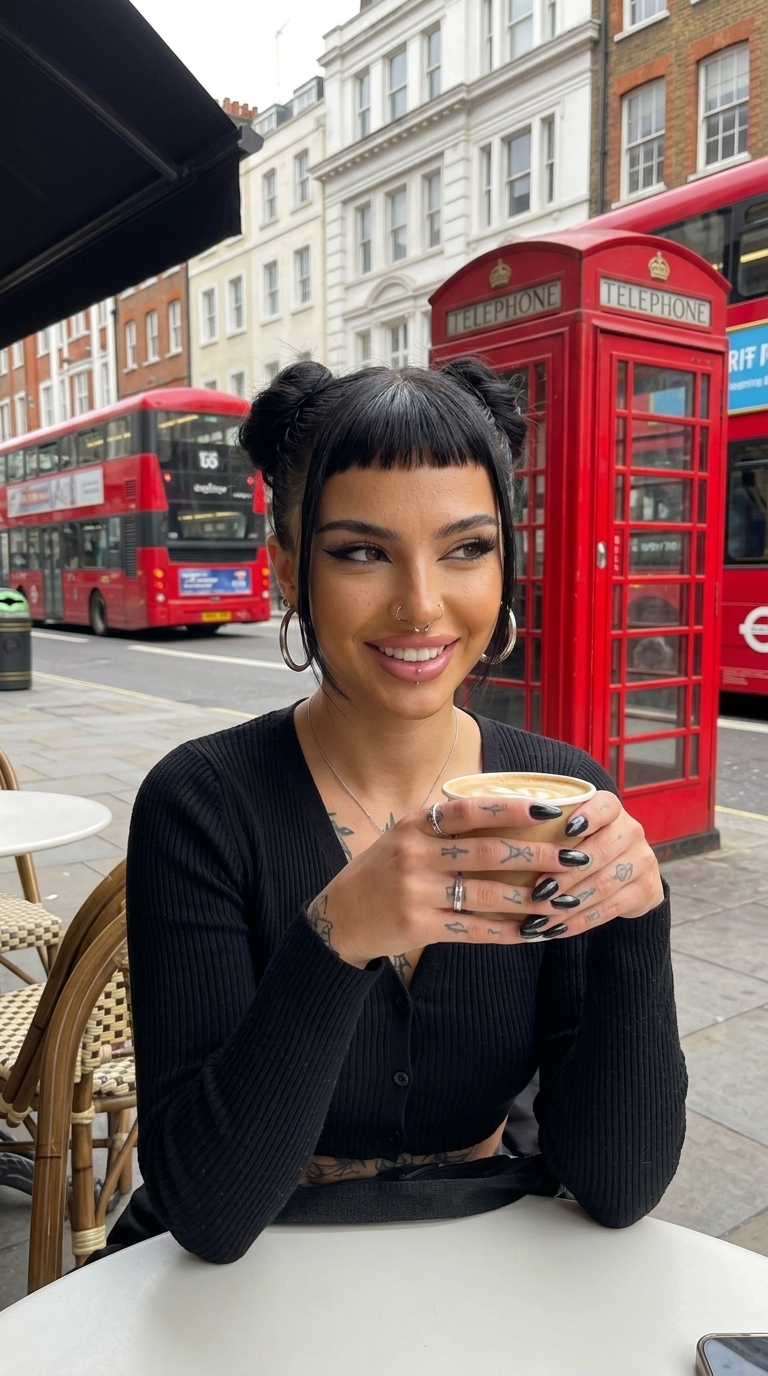
Go Viral on TikTok

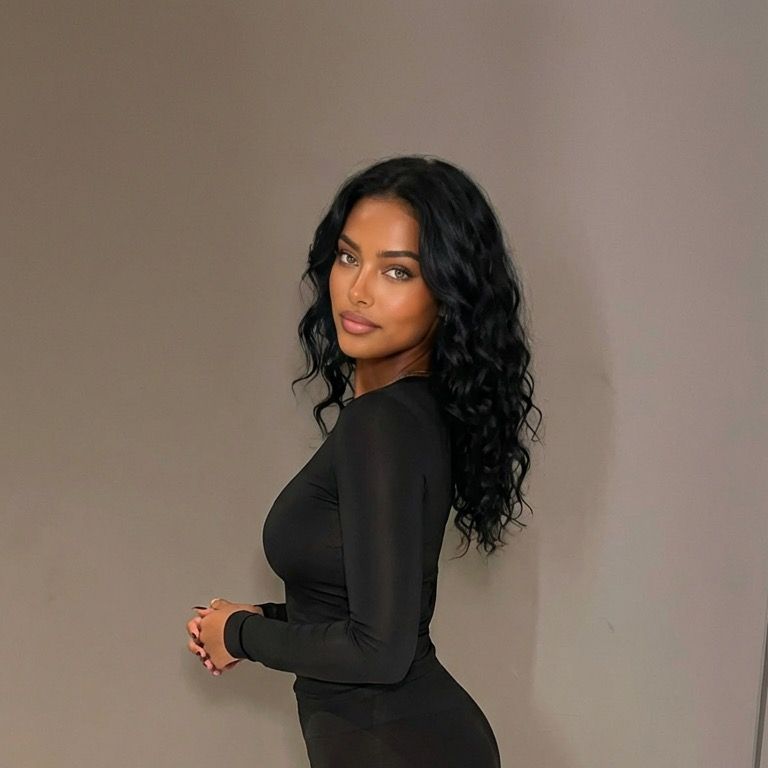
@iamsammieAi
TikTok Creator
18.3K
Followers
231.8K
Likes
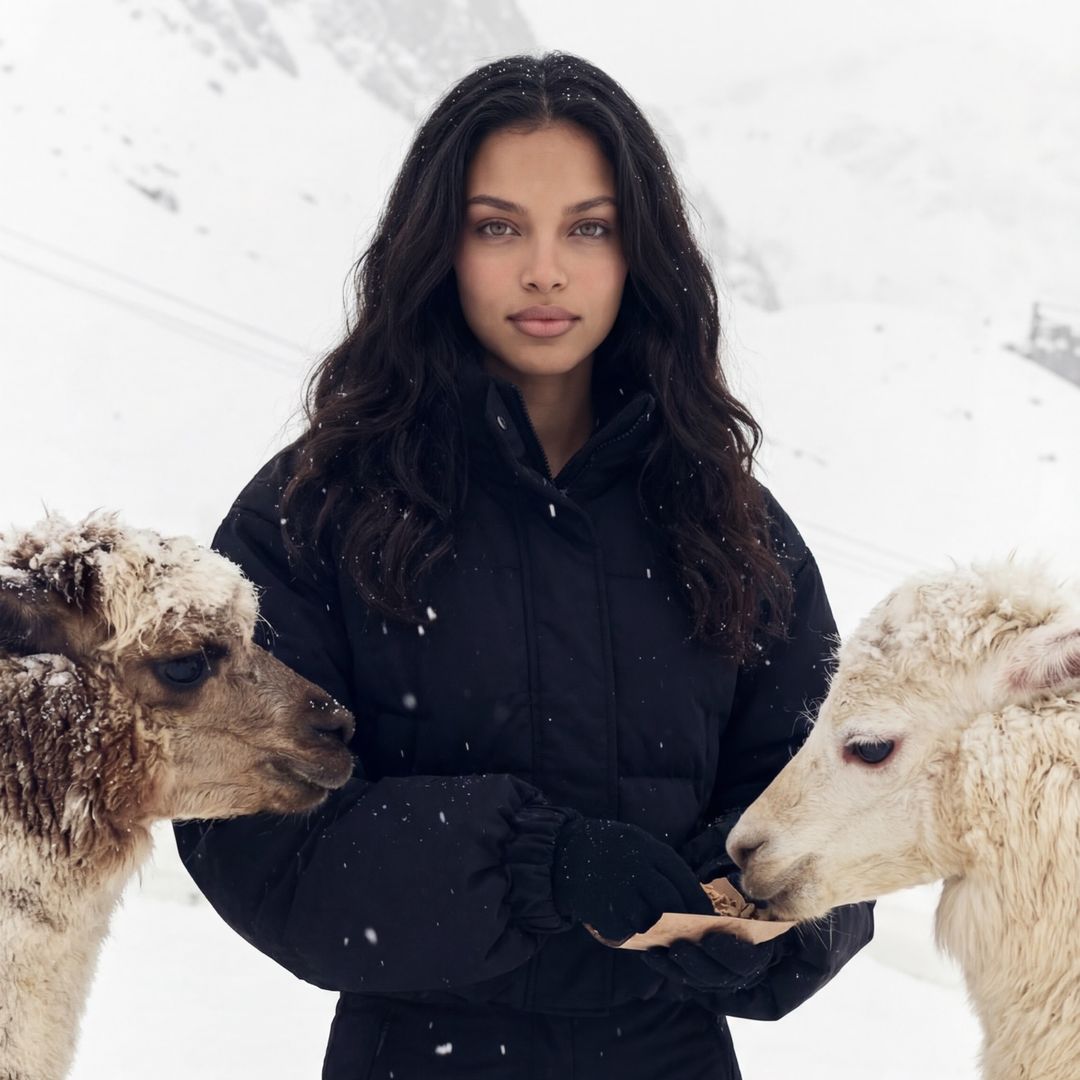
@elaseraa_
TikTok Creator
10.6K
Followers
152.4K
Likes
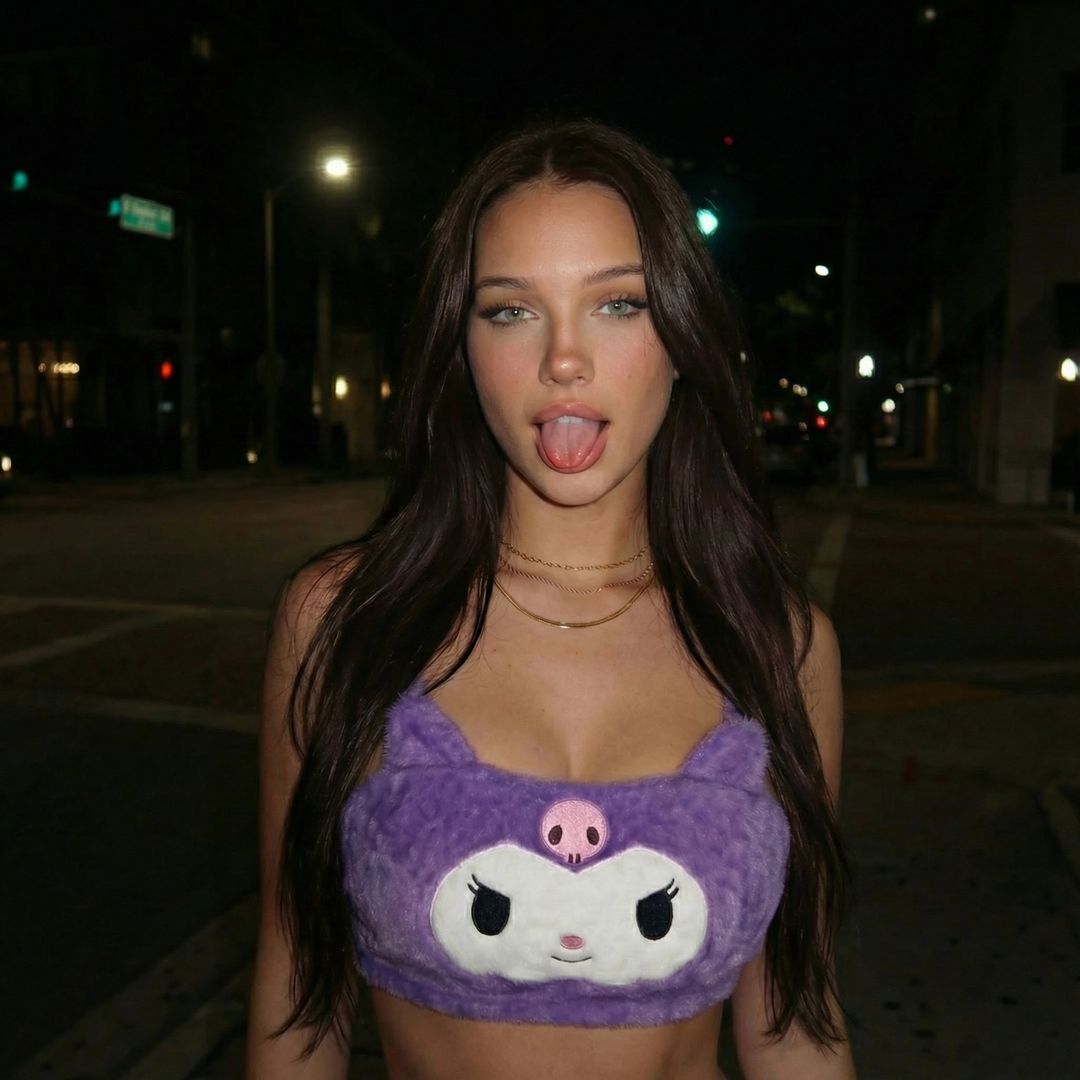
@itslinaveria
TikTok Creator
2.3K
Followers
20.3K
Likes
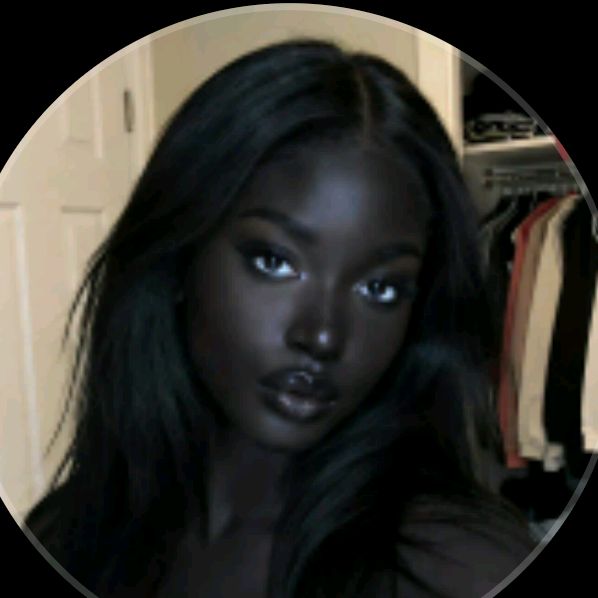
@nianoir51
TikTok Creator
45.2K
Followers
140K
Likes
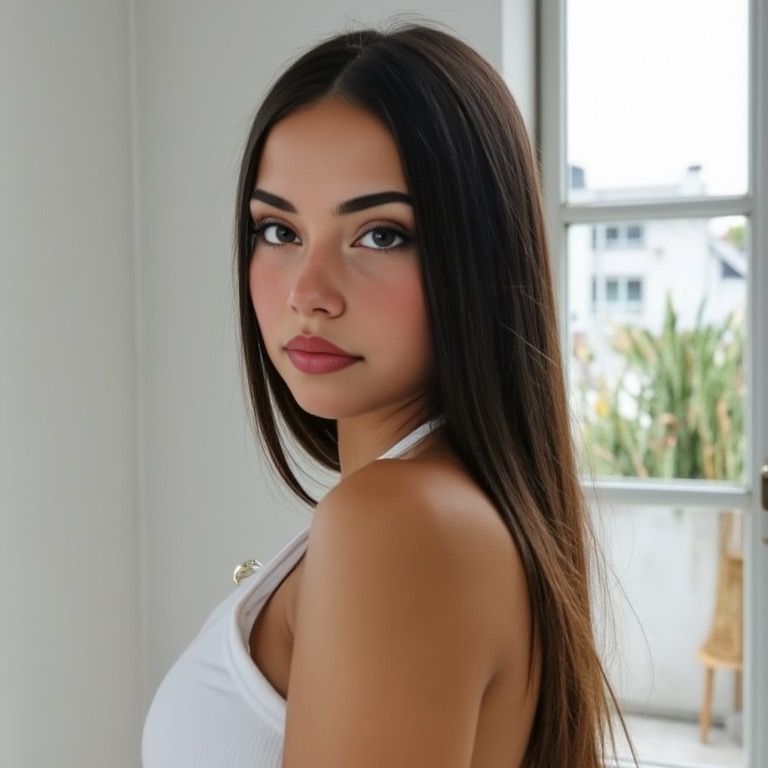
@realcamiladiaz
TikTok Creator
6.7K
Followers
11K
Likes
@iamsammieAi
TikTok Creator
18.3K
Followers
231.8K
Likes
@elaseraa_
TikTok Creator
10.6K
Followers
152.4K
Likes
@itslinaveria
TikTok Creator
2.3K
Followers
20.3K
Likes
@nianoir51
TikTok Creator
45.2K
Followers
140K
Likes
@realcamiladiaz
TikTok Creator
6.7K
Followers
11K
Likes
Upscale & Enhance

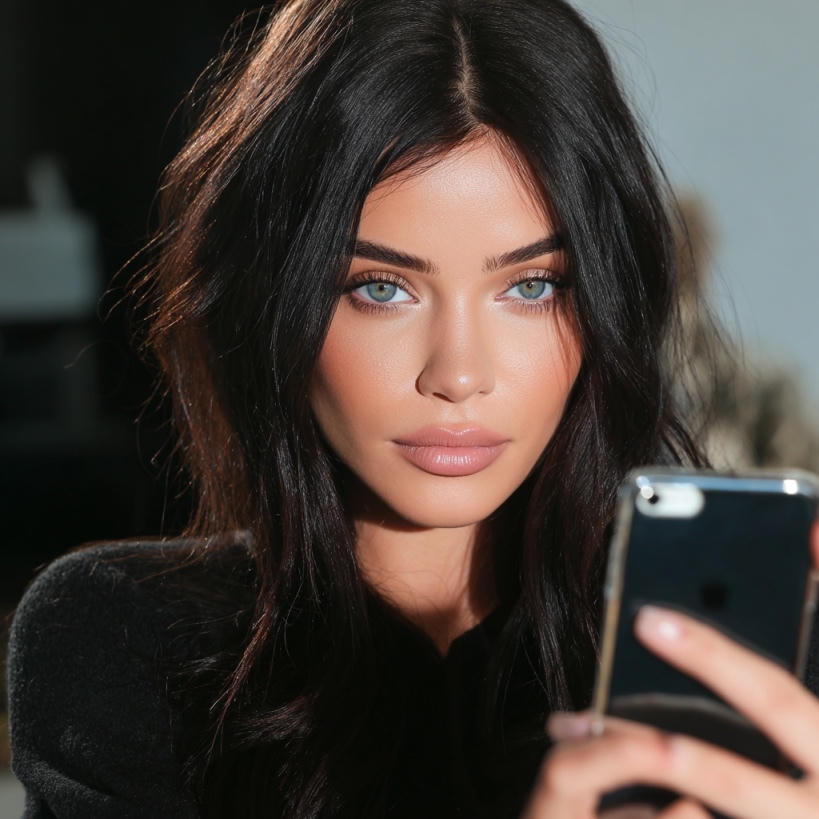
Upscale your images with our Rasgo Upscaler up to 8K resolution.
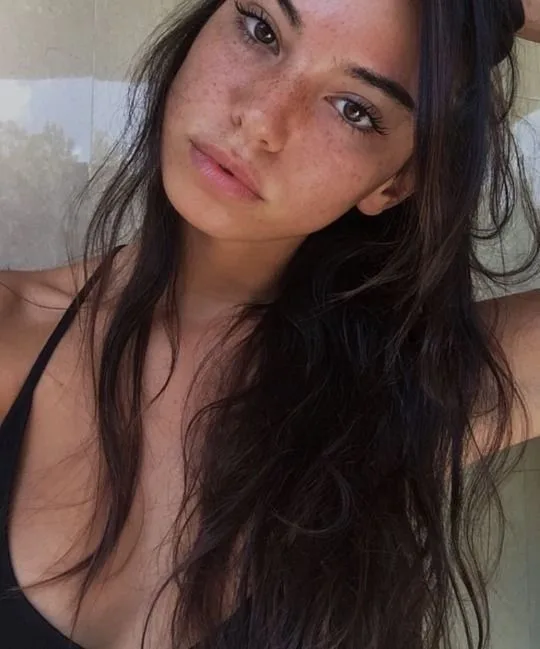
Original · 540×649
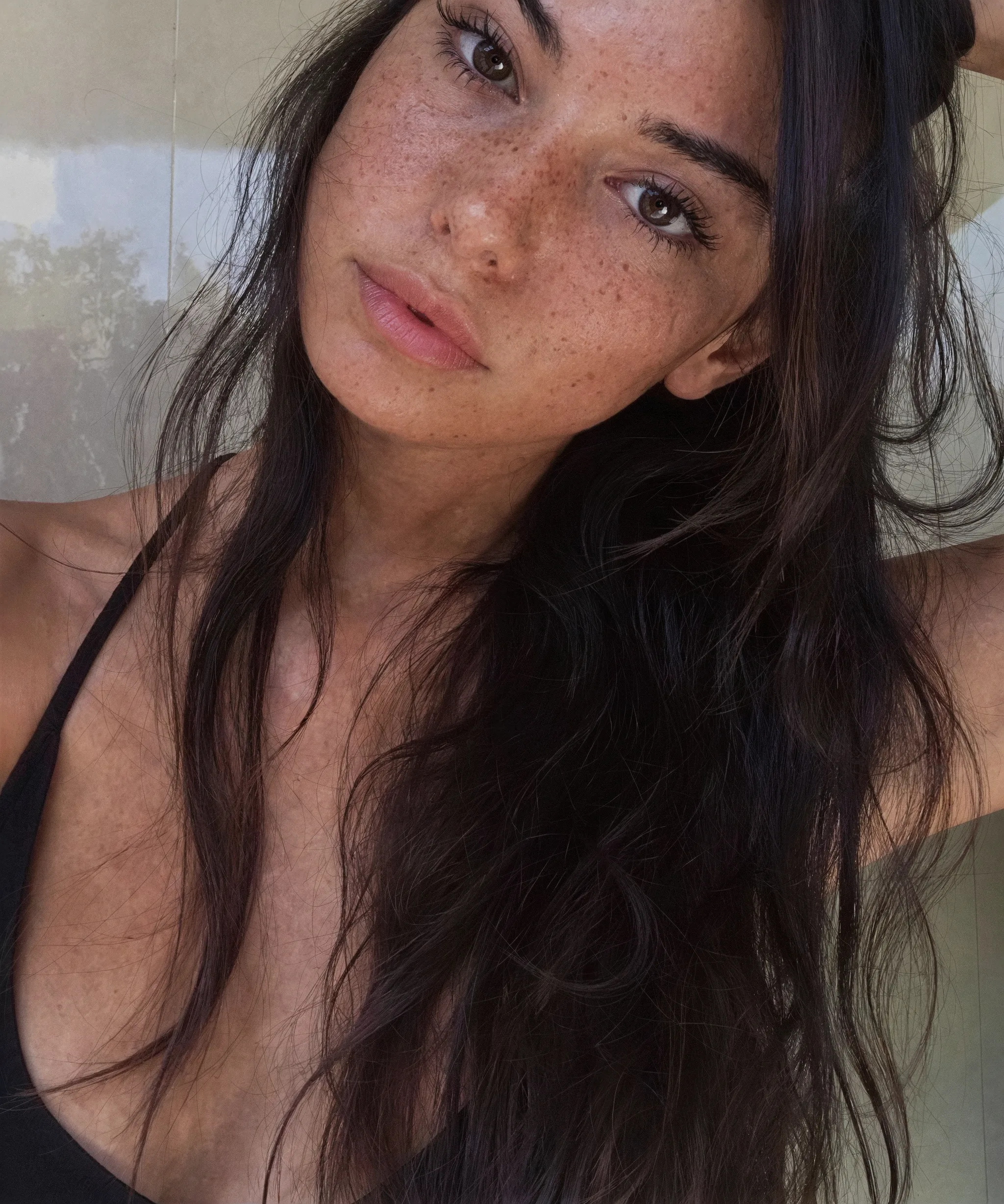
Rasgov4 · 2048×2456
Controls & Features
Complete control over every part of your AI character, from identity to scene, with the precision of a studio workflow.
Generation Mode
One unified workspace for every workflow, pick a mode and go.
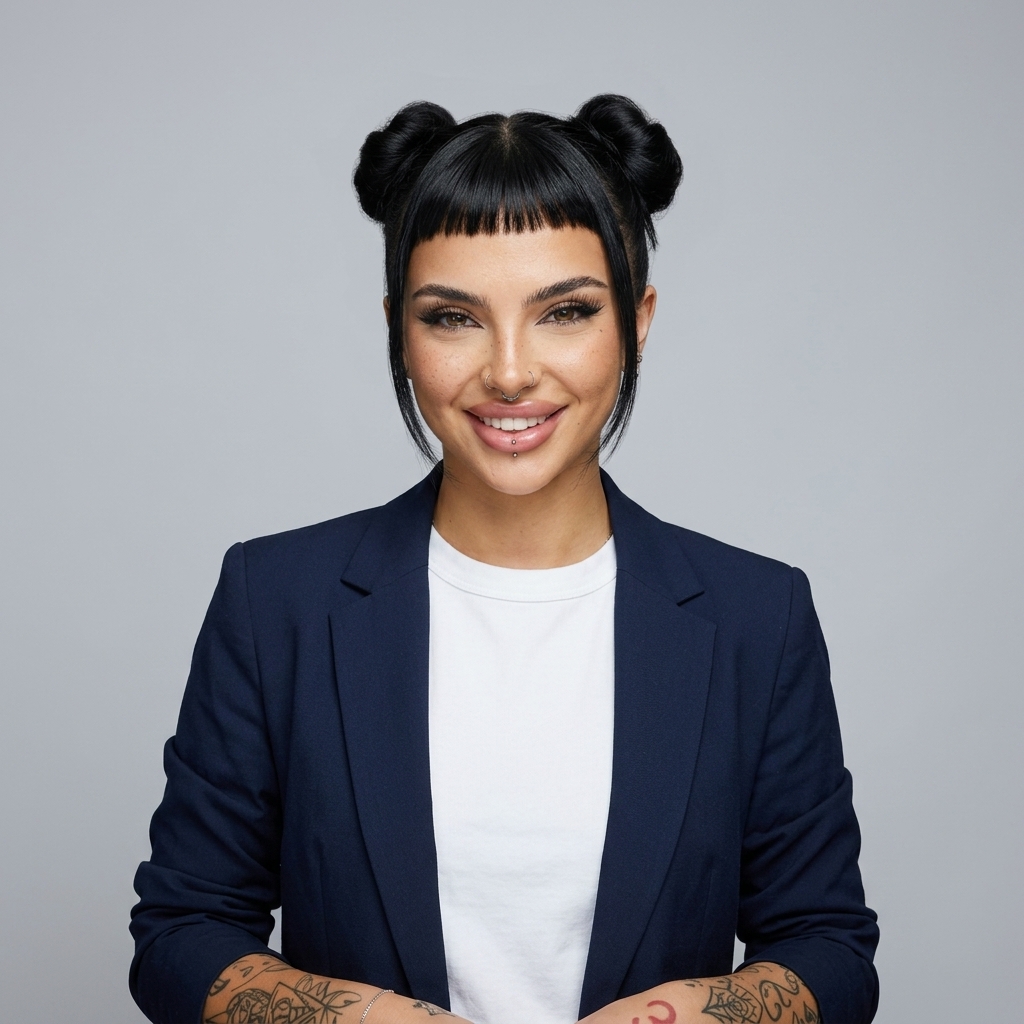
Processing Mode
Exceptional sharpness and ultra-realistic skin texture in every output.
Effects
Stylize any image with film, editorial, anime, and more.
Effect Settings
CloseUpscaler
Push any image to crisp, print-ready resolution.
Resolution
AI Video
Bring your AI character to life with hyper-realistic motion.
Aspect Ratio
Length & Audio
Pixel-Perfect Realism
Every pore, every strand, every micro-expression, preserved. Rasgo reconstructs the fine details that other AI tools destroy, so your influencers look real at any resolution.
Skin Detail
Pores & Texture
Print Ready
What Our Creators Say.
Join thousands of creators, agencies, and brands building their content empire with Rasgo.
One of my AI influencer reels hit 2.4M views in a week. I haven't shown my face on camera once — Rasgo built the entire brand for me.

The 8K upscaler is unreal. We print our AI shoots on billboards and nobody can tell they weren't shot on a real camera. Saved us $12k on the last campaign alone.

I was paying UGC creators $400 per video. Now I generate 30 a month with Rasgo for the price of one. My DTC store is finally profitable.

One of my AI influencer reels hit 2.4M views in a week. I haven't shown my face on camera once — Rasgo built the entire brand for me.
The 8K upscaler is unreal. We print our AI shoots on billboards and nobody can tell they weren't shot on a real camera. Saved us $12k on the last campaign alone.
I was paying UGC creators $400 per video. Now I generate 30 a month with Rasgo for the price of one. My DTC store is finally profitable.






Why Rasgo
Hyper-Realistic
Generations
Rasgo produces AI humans with lifelike skin texture, natural lighting, and anatomical accuracy that other generators can't match.
Human-First
Upscaler
The only upscaler engineered for AI portraits. Reconstructs skin pores, iris detail, and hair strands instead of smoothing them away.
Consistent
AI Influencers
Generate the same AI influencer across photos, styles, scenes, and content without losing facial identity, vibe, or brand consistency.
Product
Placement
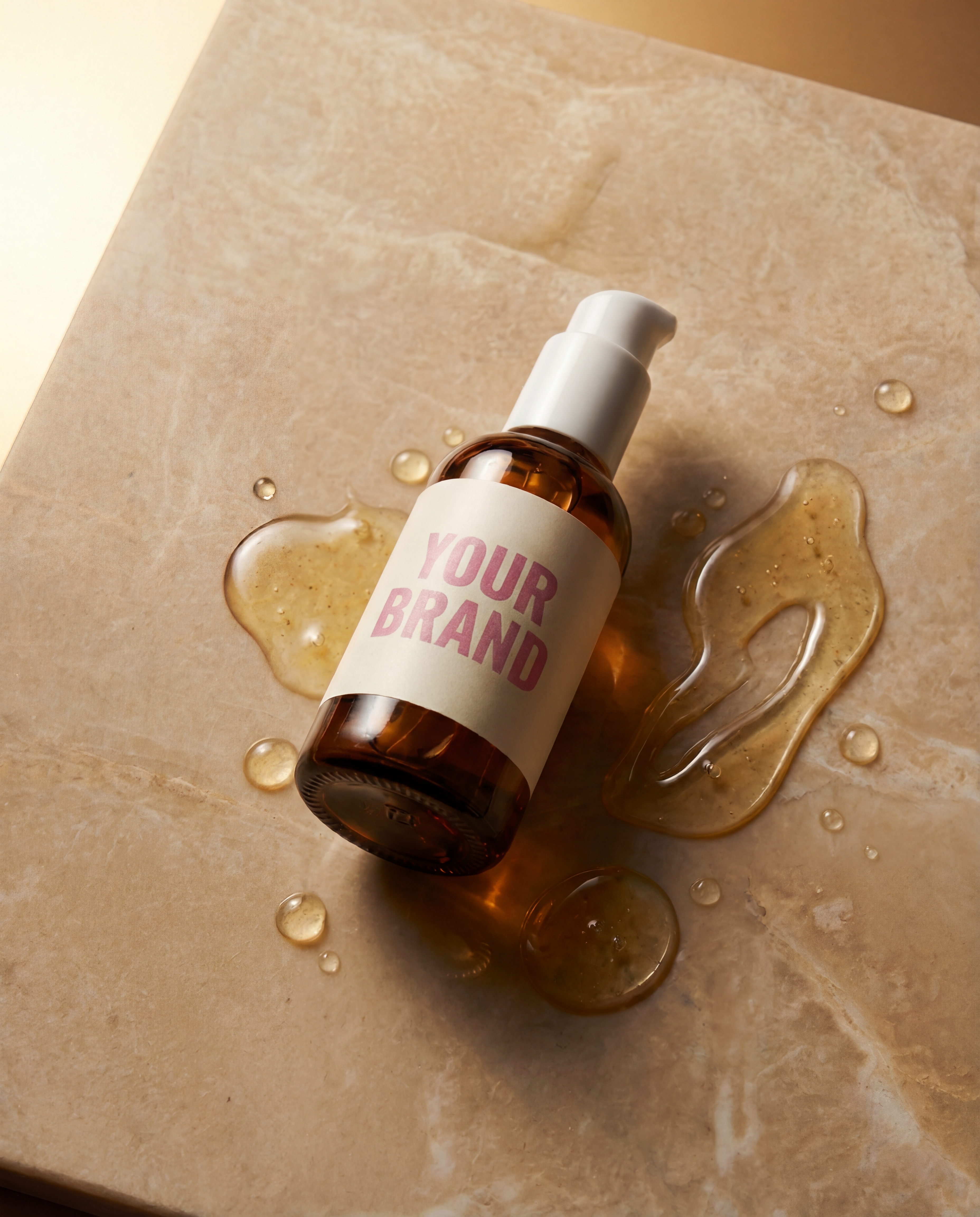
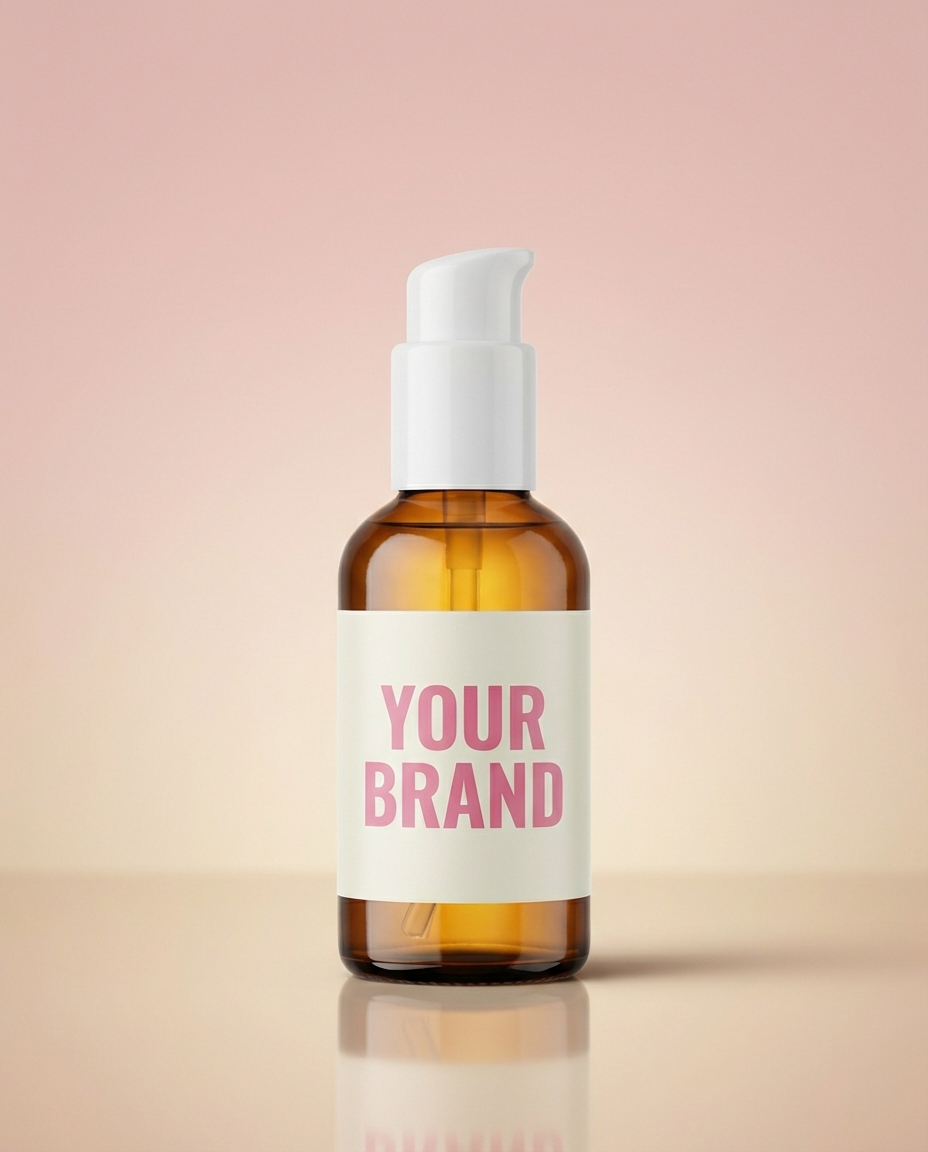
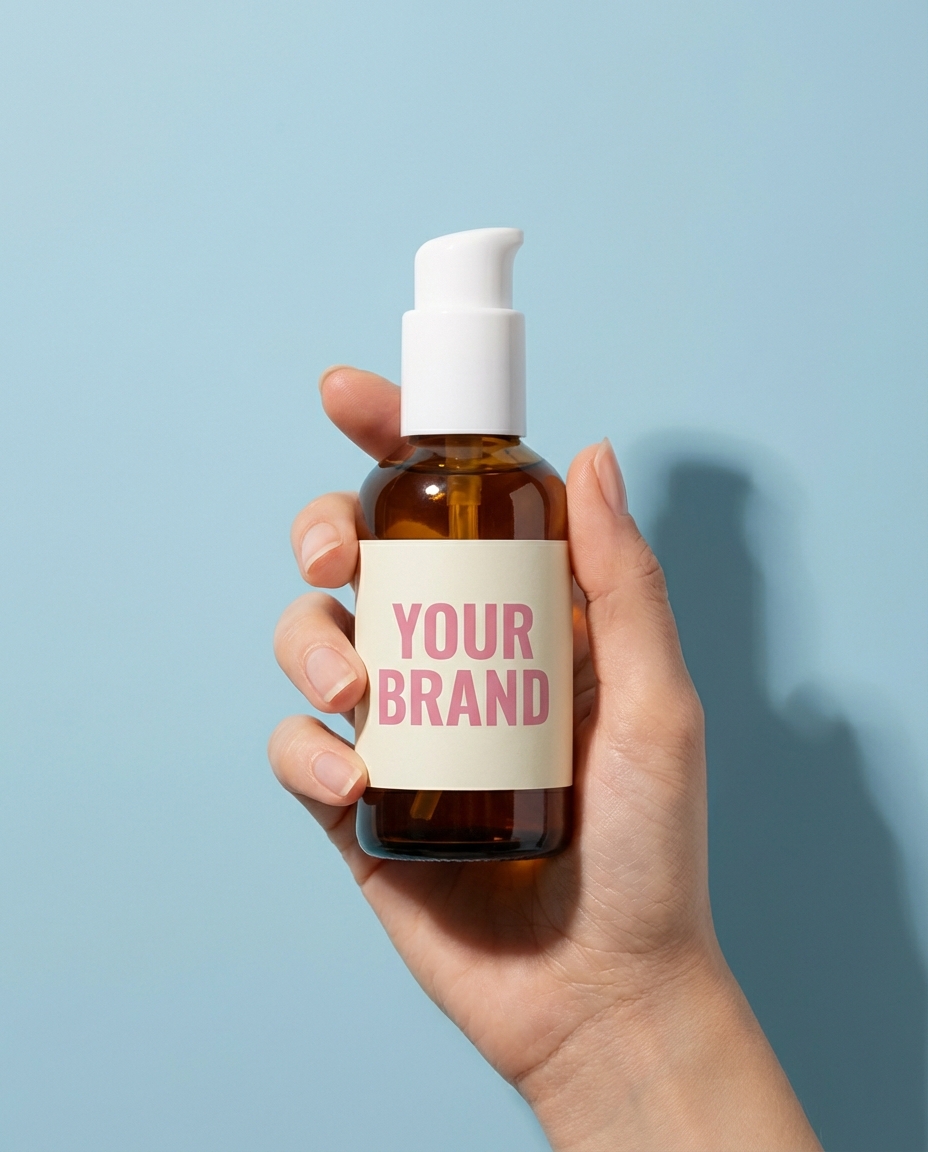
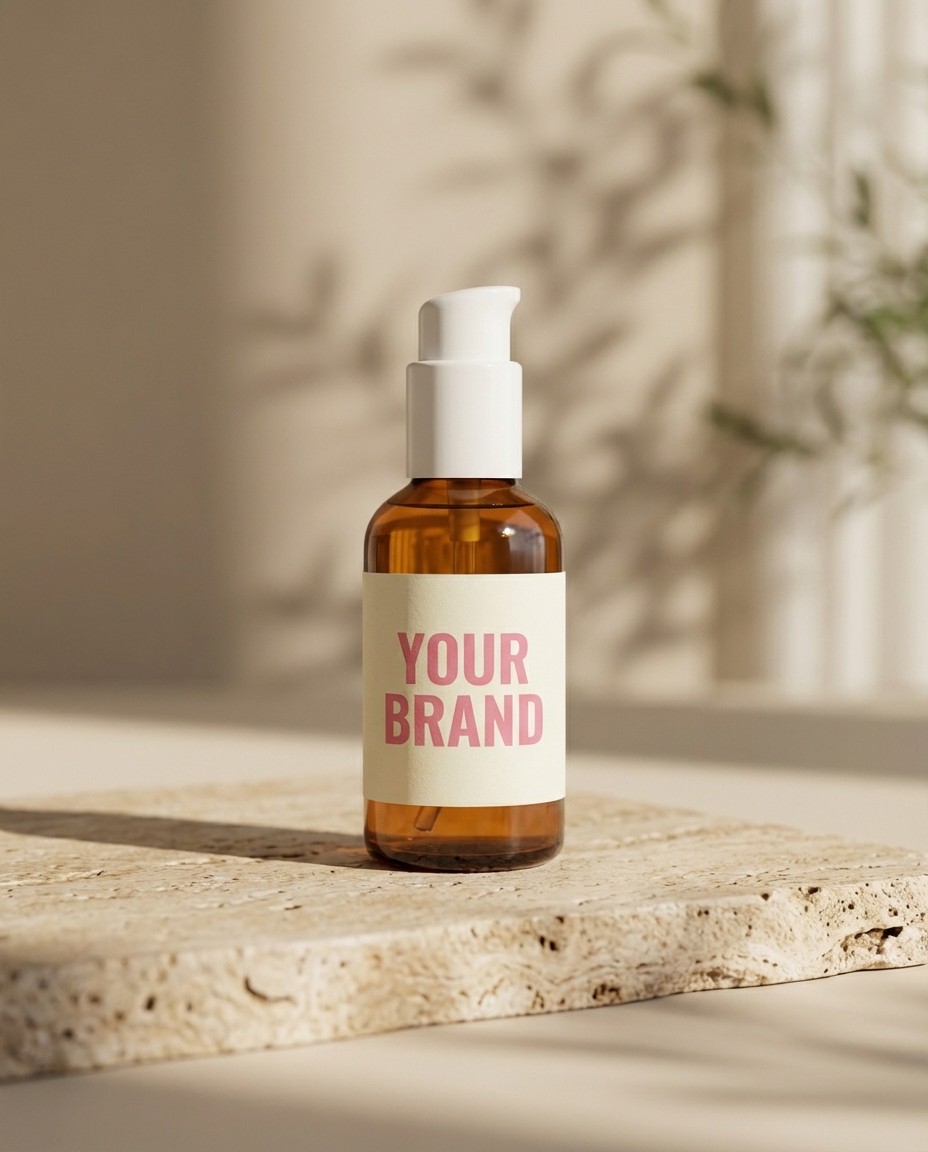
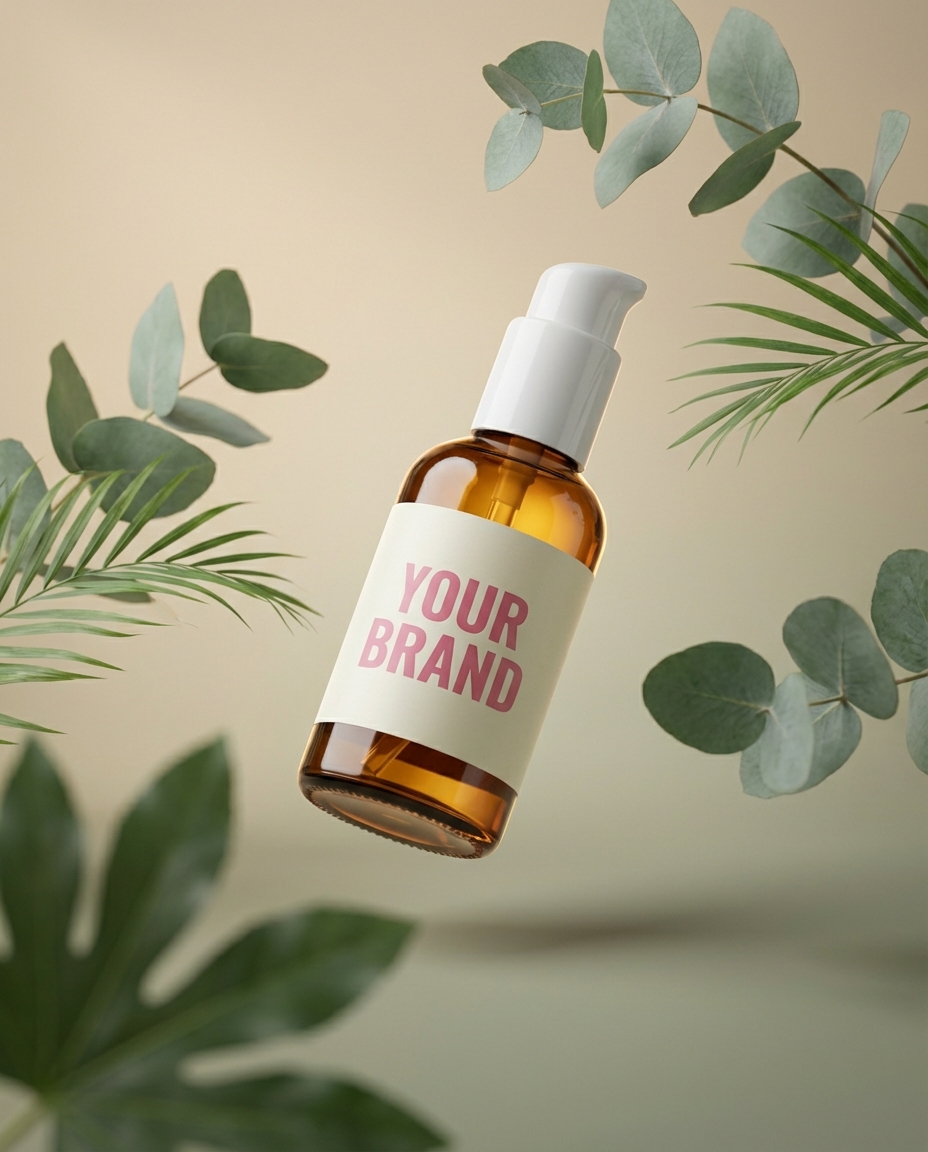
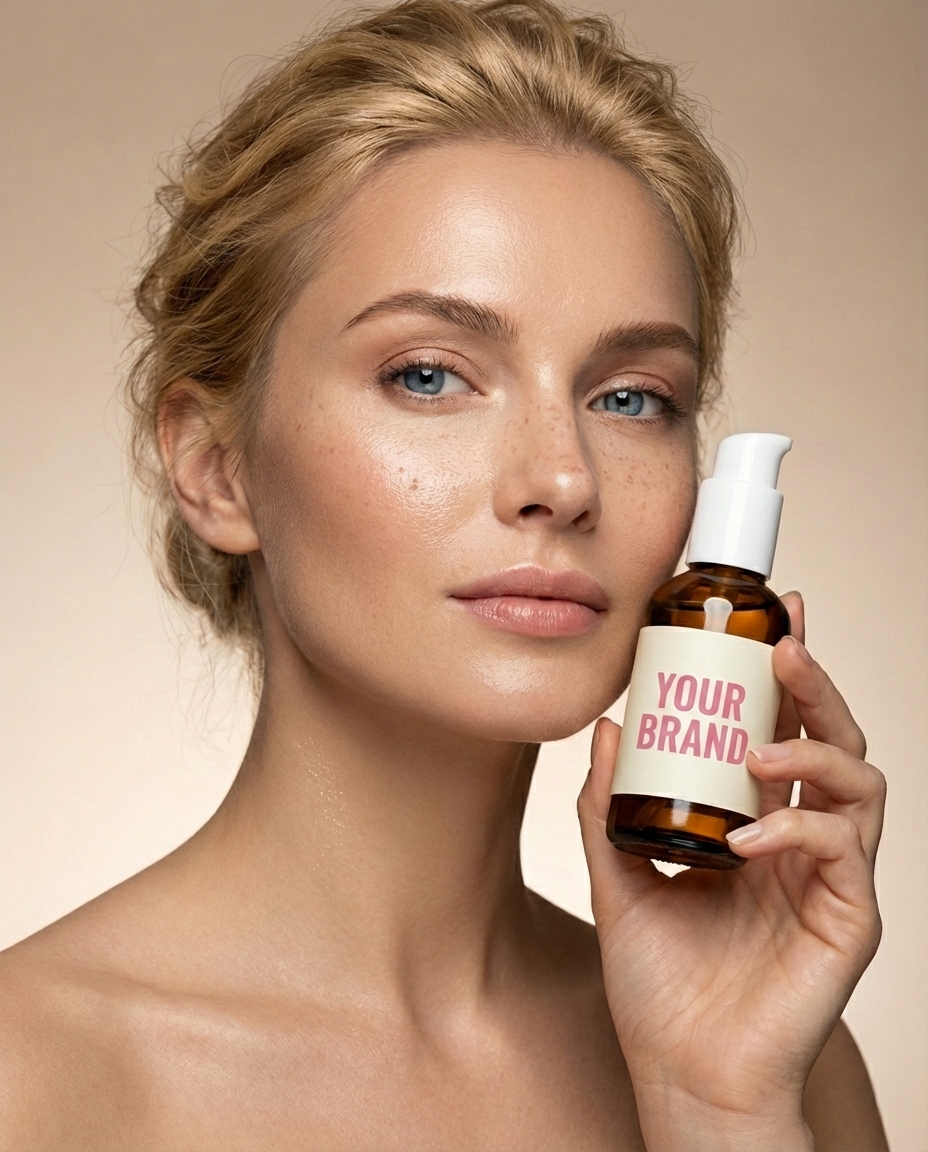
Place any product naturally into your AI influencer's hands. Create authentic branded content and photoshoots without expensive studios.
Pick a plan
Scale creativity with higher limits, priority access, and early features.
Compare plans
See what each plan can make
Starter
Creator
Pro
Common
Questions
Everything you need to know about Rasgo.
Open Image, describe the subject and photographic setup, optionally add references, and choose an aspect ratio. Generate a portrait and refine the brief based on what you see.
You can start from a text prompt. References are useful when you want to guide appearance, composition, or styling more closely.
For a reusable identity, create a character and use the Character Studio workflow. References can help image generation, but no generative workflow guarantees identical details in every result.
No. These are AI-generated images with a photographic style. Review them for artifacts and describe their origin accurately when sharing.