AI Digital Twin
Clone yourself into a reusable AI character
Community
A space for standout Digital Twin outputs, prompt ideas, and creative directions worth remixing into your own work.
Community feed coming soon
For now, use the Create tab to make your own. Creator-made outputs will appear here once the feed is live.
Turn three photos into your own AI twin
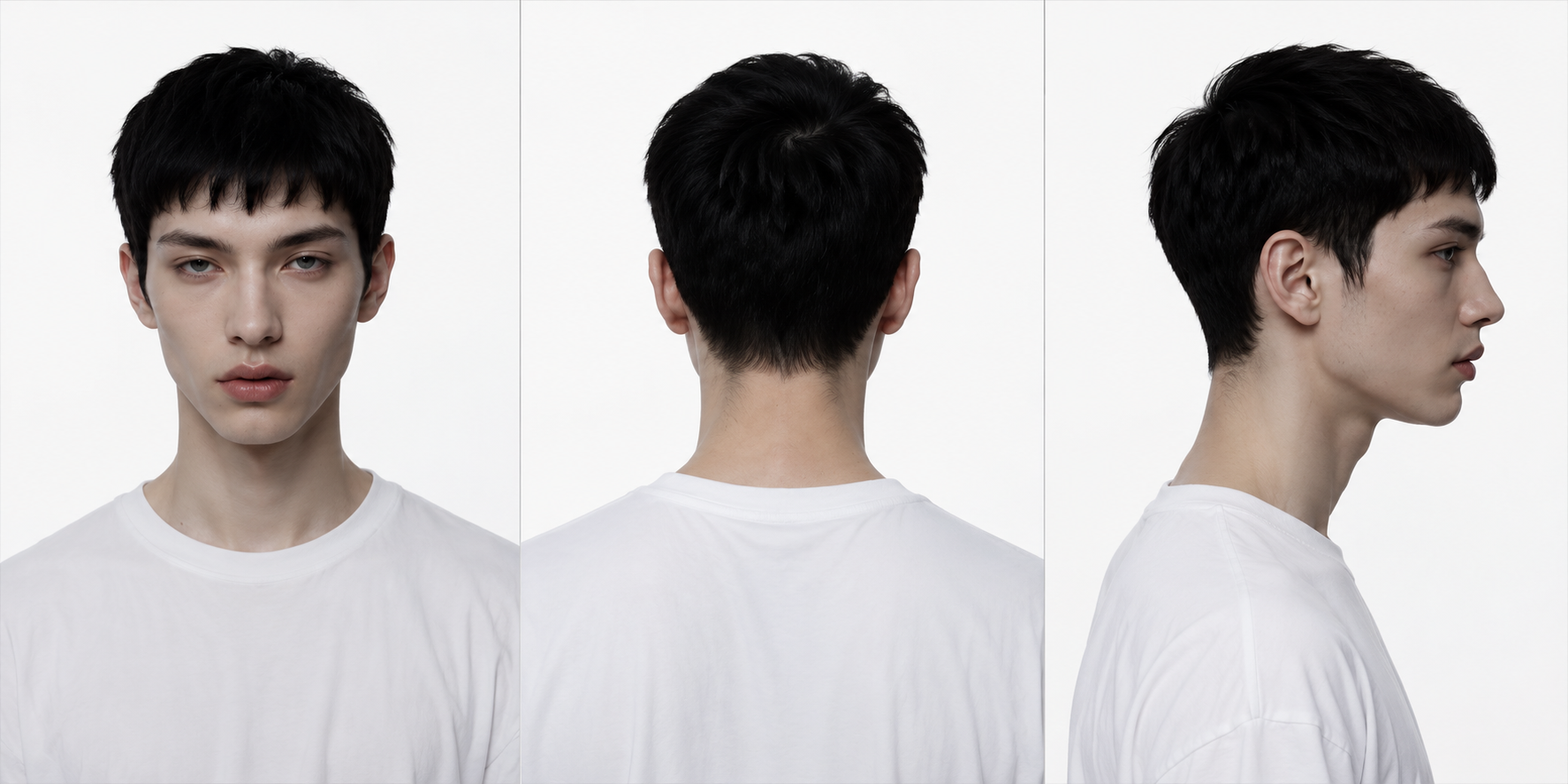
Upload a left, front, and right photo of yourself and Rasgo creates a consistent AI character that looks like you — ready to reuse across portraits, content, and campaigns.
How it works
Step-by-step from idea to output.
Add three angles
Upload a clear left-profile, front-facing, and right-profile photo. Even lighting and a visible face on all three give the most accurate twin.
Create your twin
Rasgo studies the three angles together to learn your likeness and renders a clean character portrait of you.
Reuse it as a character
Your twin is saved to your Characters so you can generate new images and content with a consistent version of yourself.
Frequently asked
Why three photos?
Left, front, and right angles give the model enough information to keep your likeness consistent from any direction.
Where does my twin get saved?
Once created, your digital twin is added to your Characters so you can reuse it across the other Rasgo tools.
What photos work best?
Use recent, well-lit photos with your face clearly visible and unobstructed — no sunglasses, heavy shadows, or extreme angles.
Can I make more than one?
Yes. Each run creates a new twin you can keep, so you can capture different looks or update it over time.
DIGITAL TWIN
Upload three photos of yourself to clone yourself into a reusable AI character.
DIGITAL TWIN
Upload three photos of yourself to clone yourself into a reusable AI character.