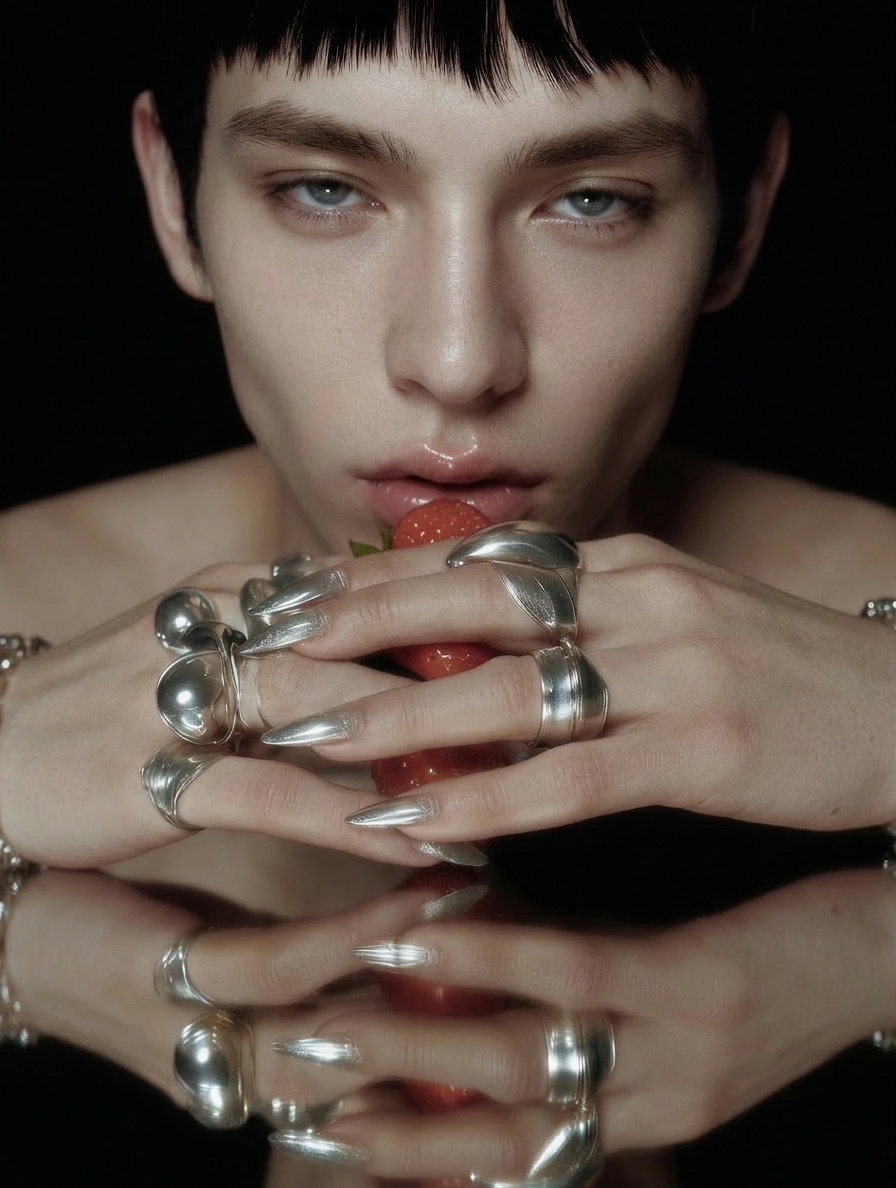
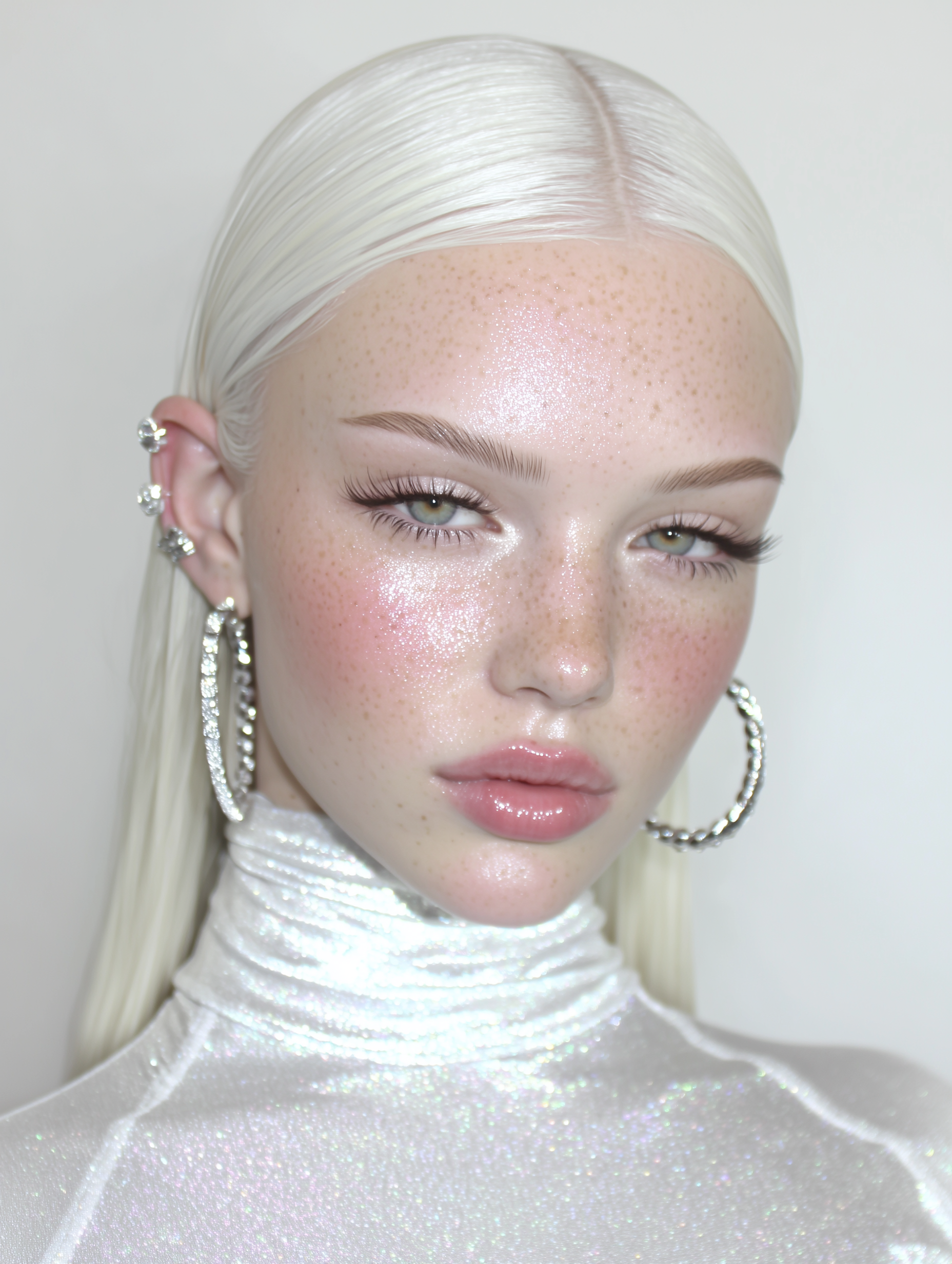
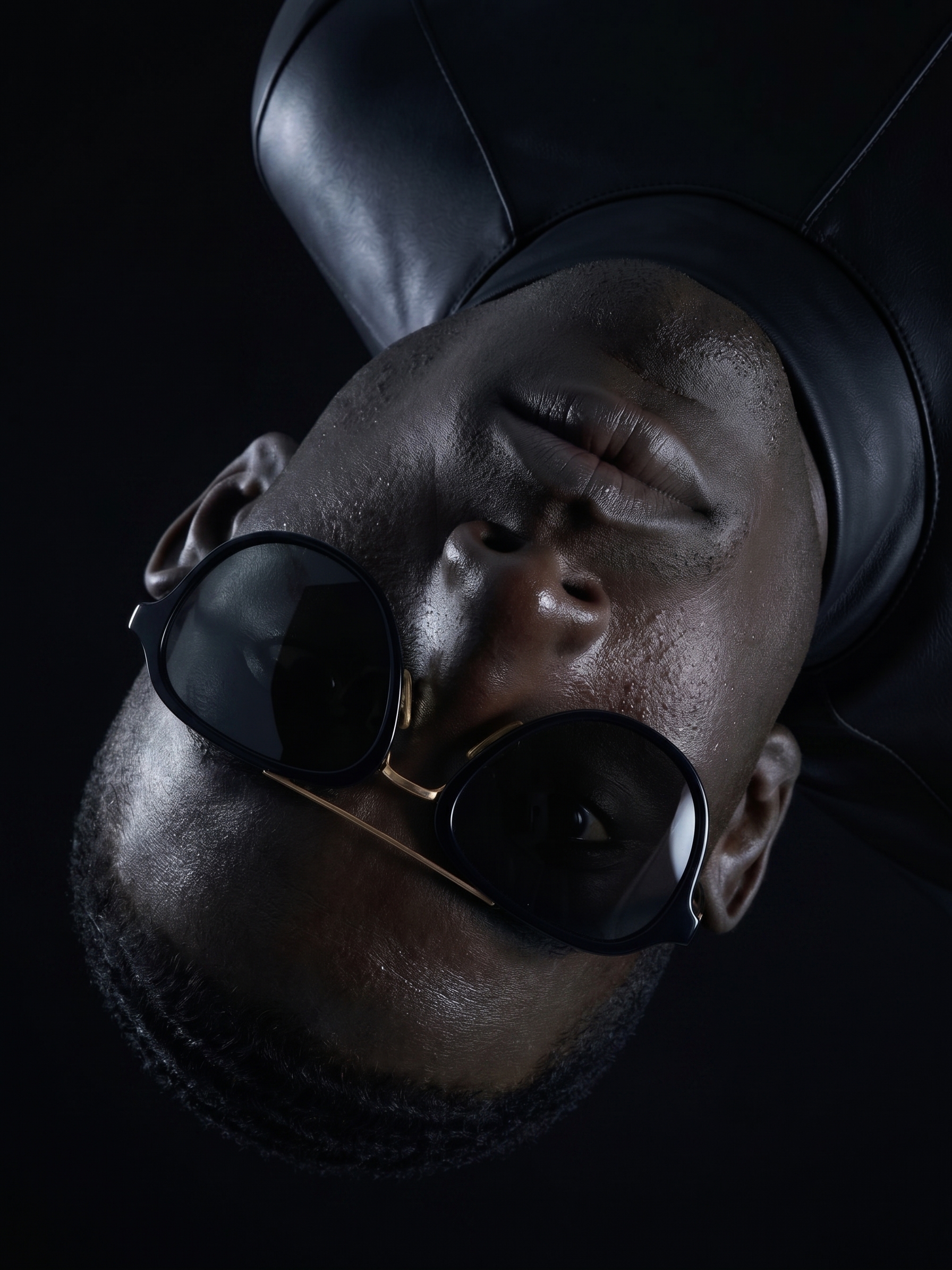
Fix Plastic AI Skin.
Give Waxy Portraits a Softer Finish.
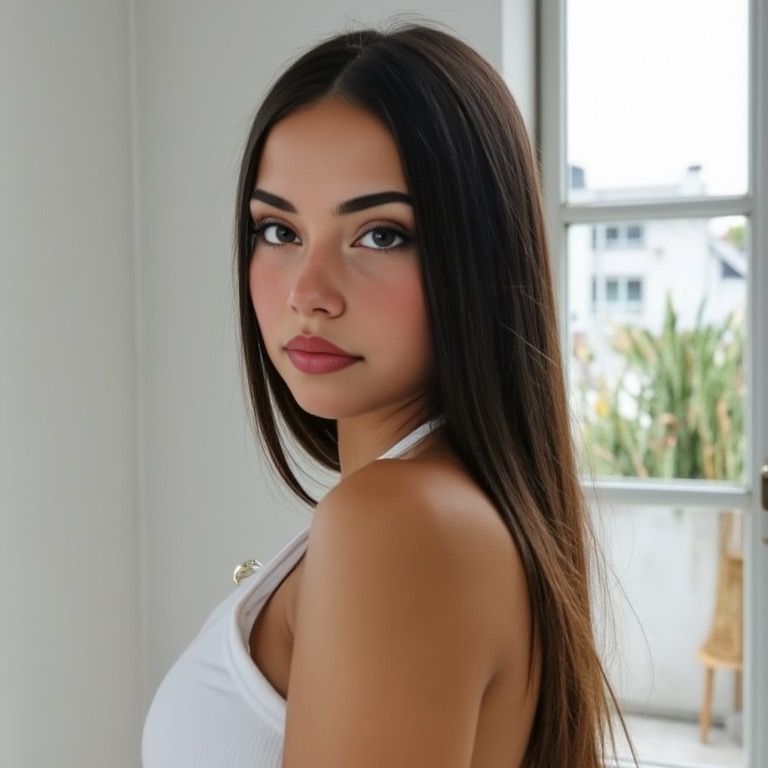
Keep working with the portrait you like. Upload an AI image with oversmoothed skin and use Skin Fix to introduce more natural-looking texture.
Repair the waxy finish on an existing portrait
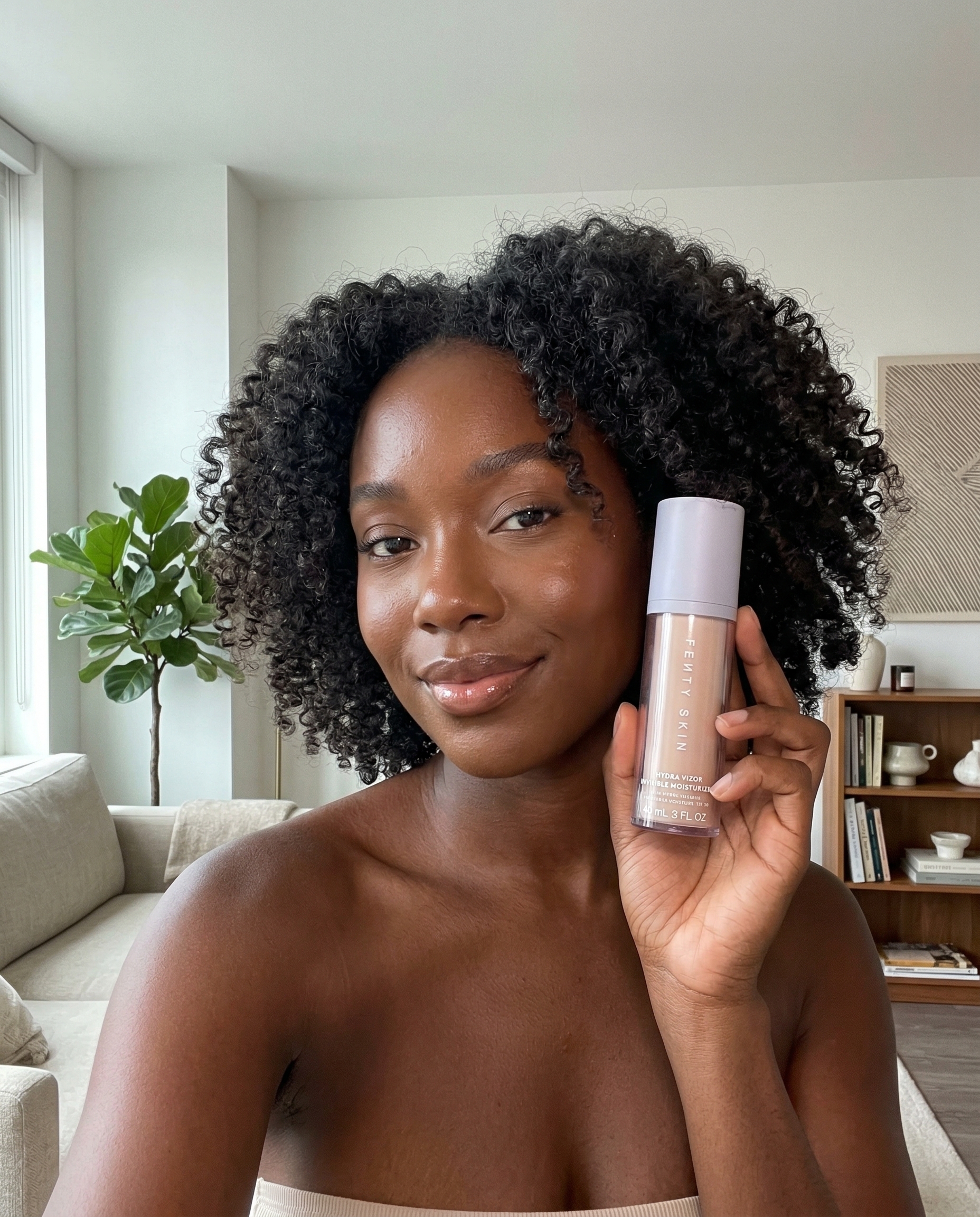
Skin Fix is a separate editing step for a portrait that already has the composition you want. Upload the source, choose the available repair settings, and compare the generated version with the original.
- Work from an existing AI portrait
- Target an oversmoothed or plastic-looking finish
- Compare the source and repaired result
- Inspect identity and texture before downloading

Treat the surface without restarting the whole concept
When the pose and scene are already useful, a dedicated texture edit gives you another option before regenerating the image.
Identify the waxy areas
Look for unnaturally uniform cheeks, broad shiny highlights, and a lack of subtle detail. A texture pass may help, but it cannot solve every lighting problem.
Use a readable source
A clear face gives the edit more visual information. Heavy blur, tiny faces, and compressed screenshots make detailed results harder to judge.
Compare at normal viewing size
Keep the version that looks balanced at the size you will use. Extra pores are not an improvement if the skin becomes gritty or the face changes.
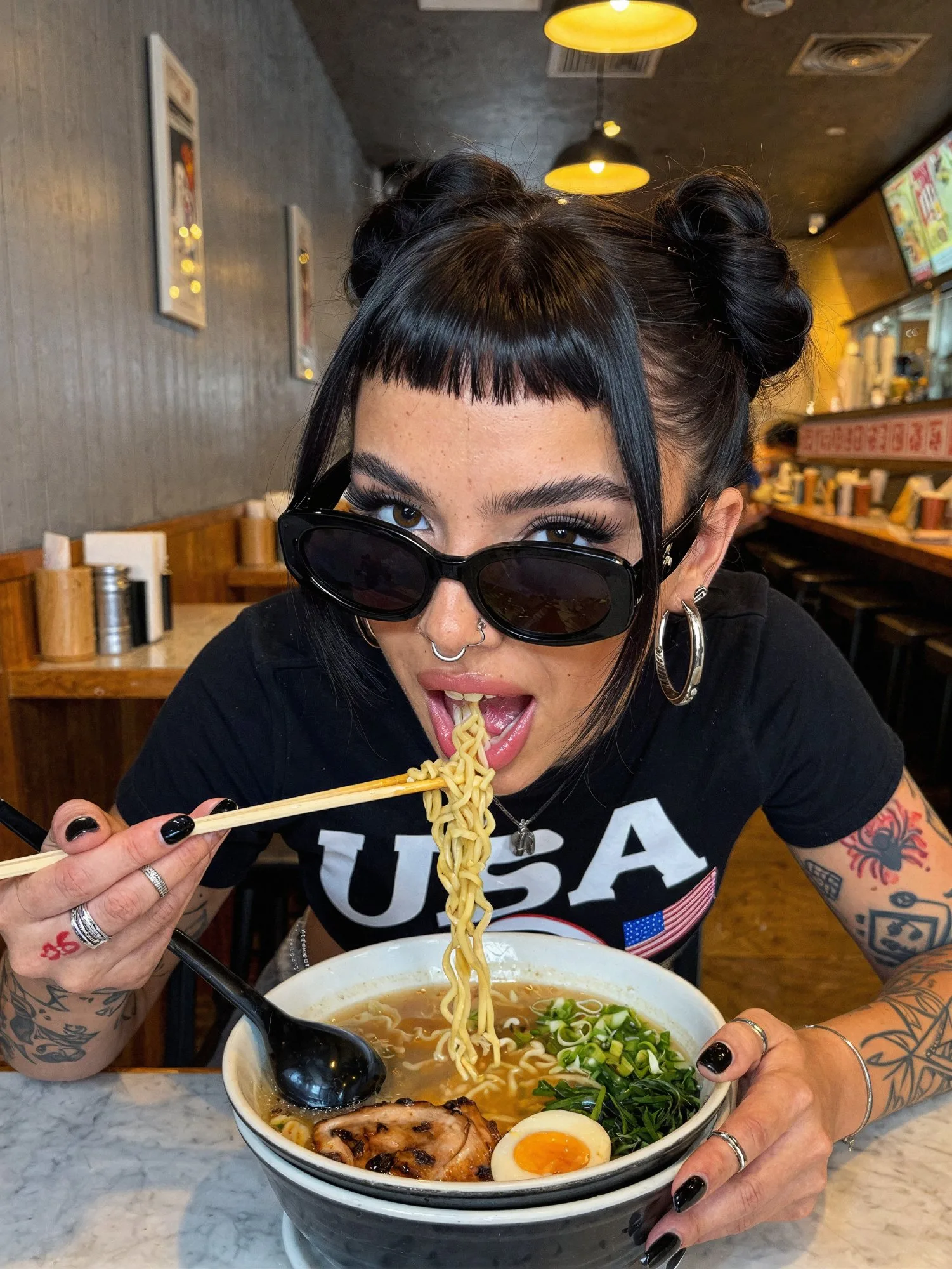
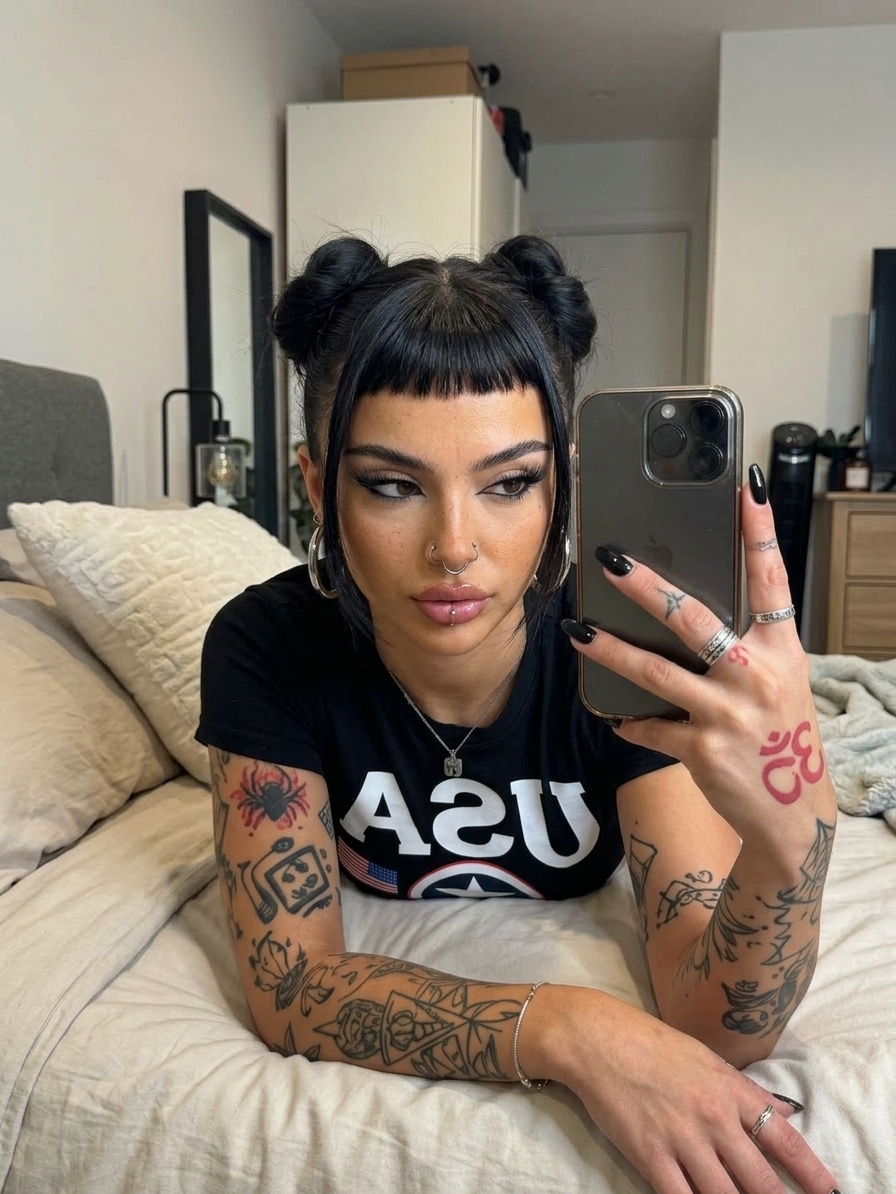
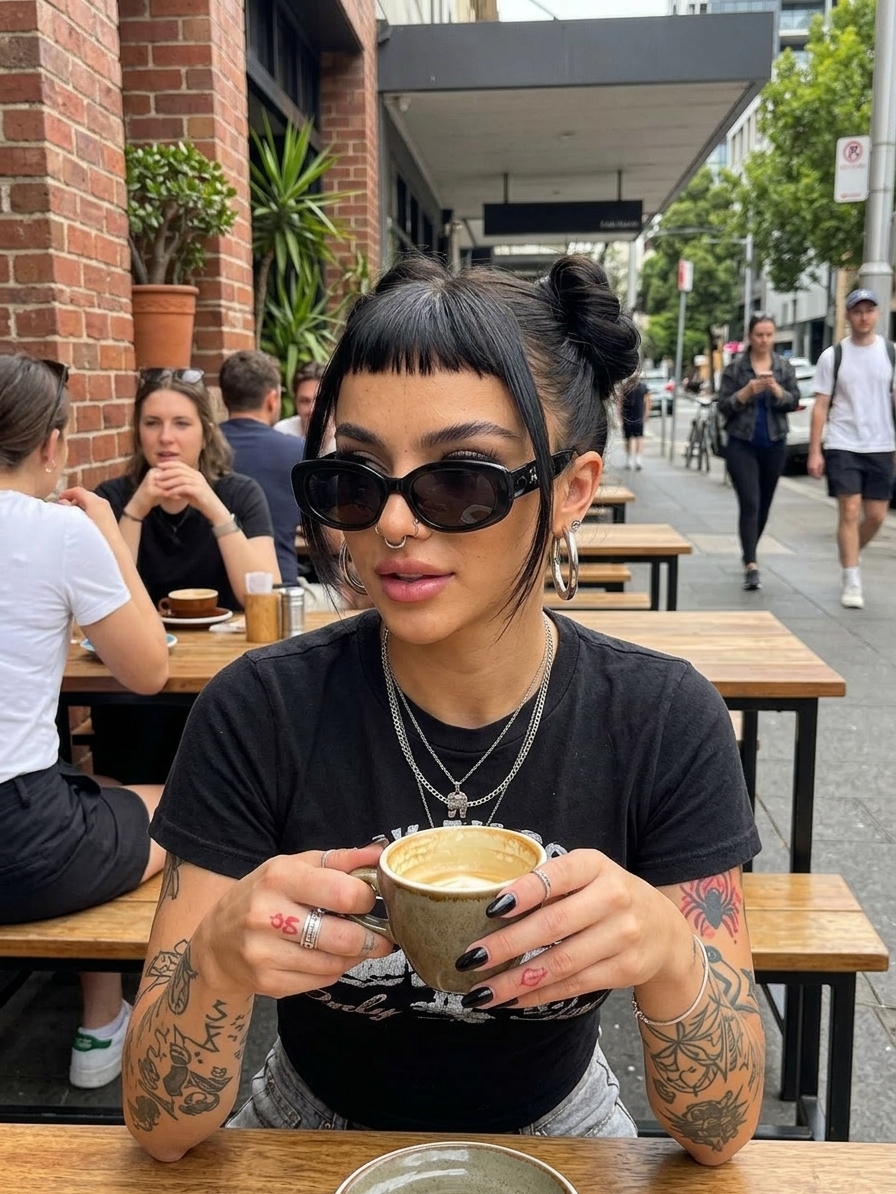
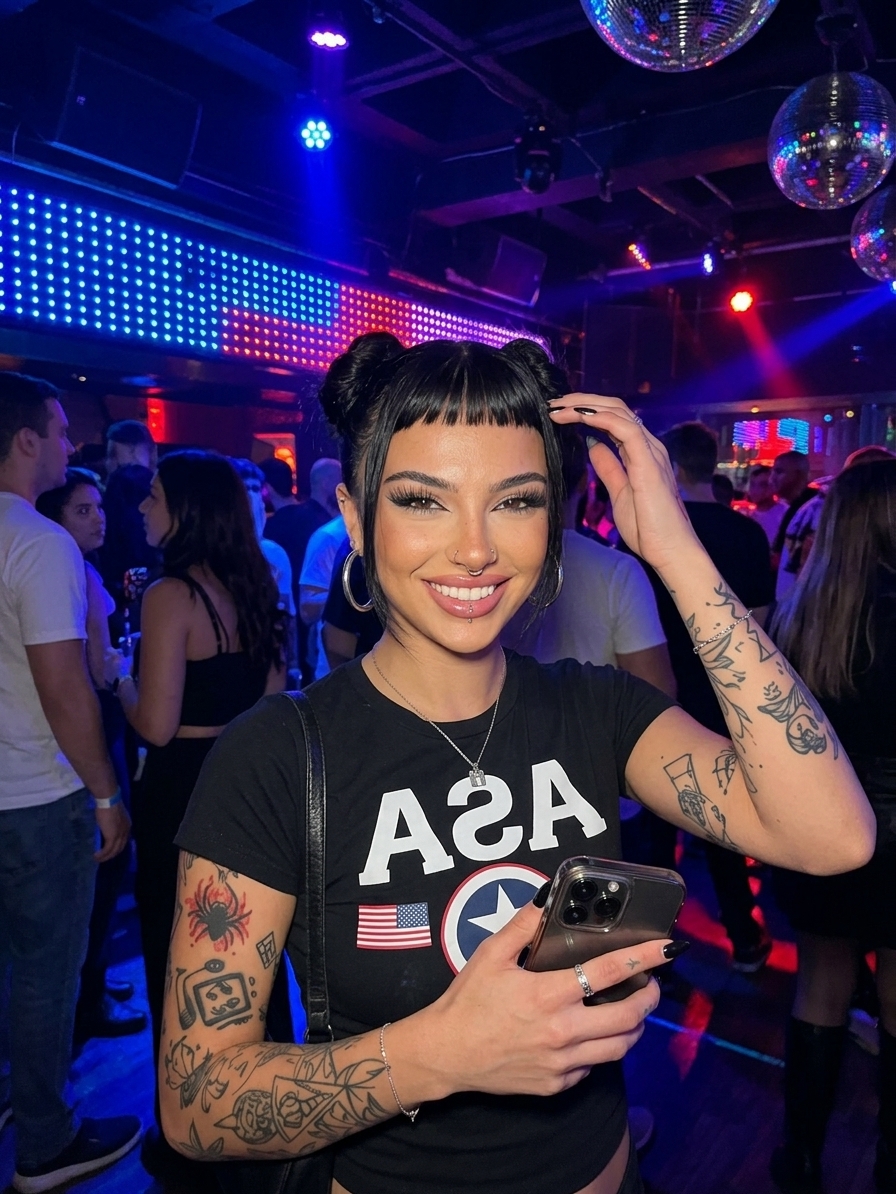
Powered by Leading AI Models:



Ads That Sell,
Made In Seconds.
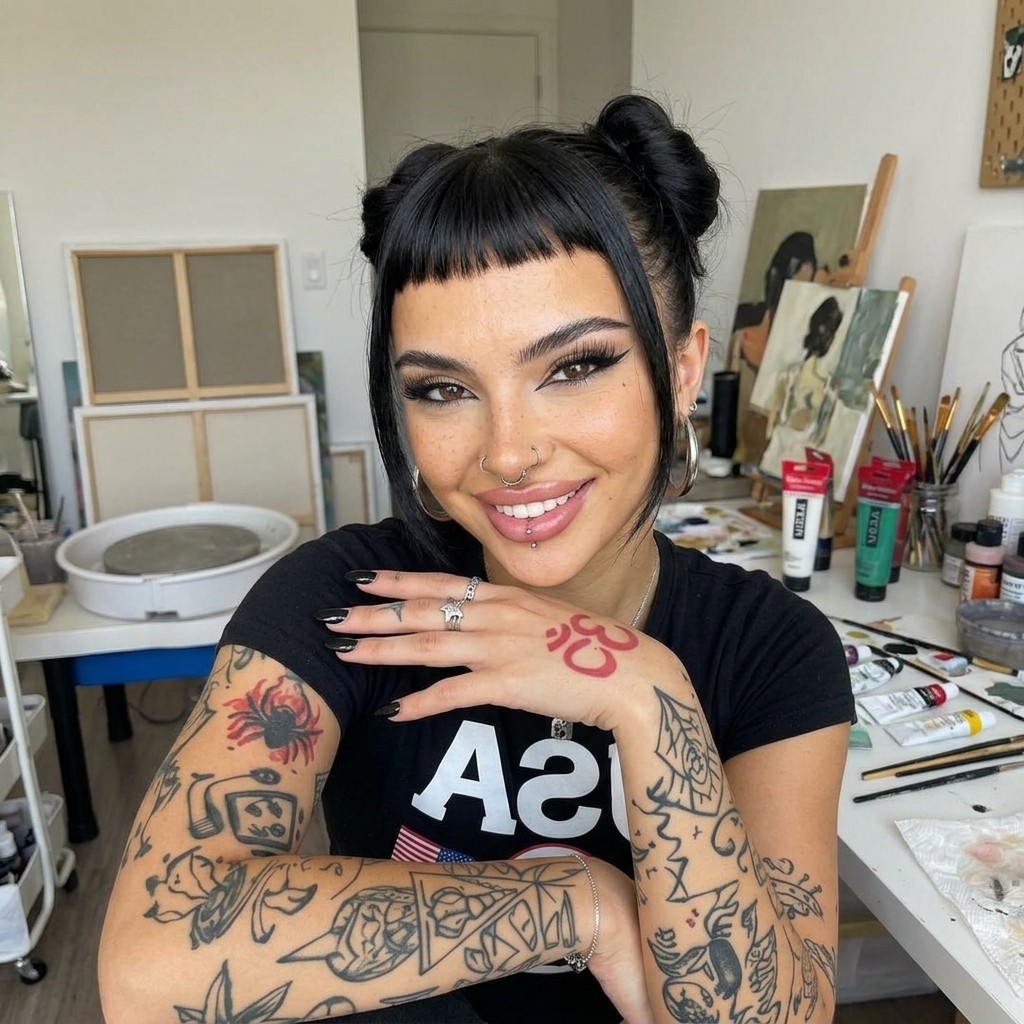
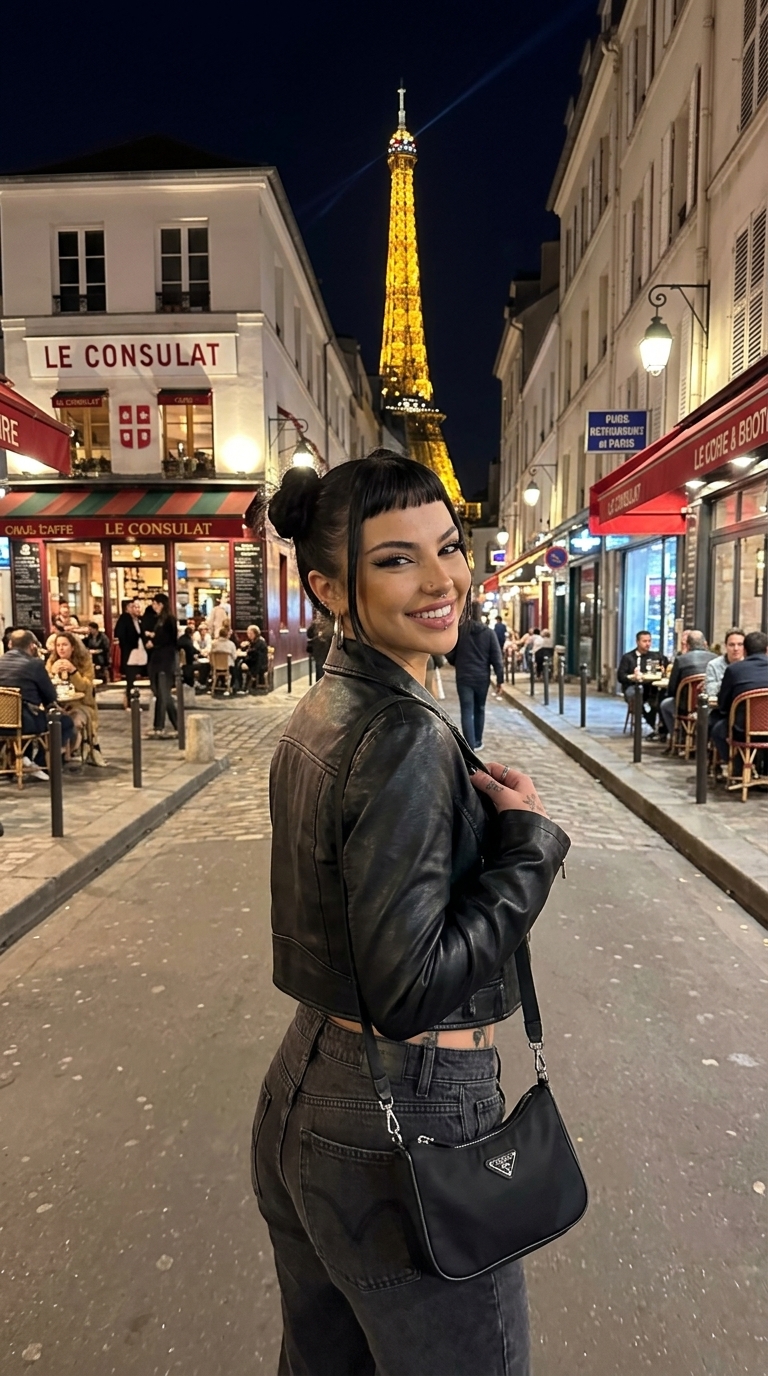
Pick an avatar, add your product, and generate UGC, unboxings, and try-on ads in seconds.
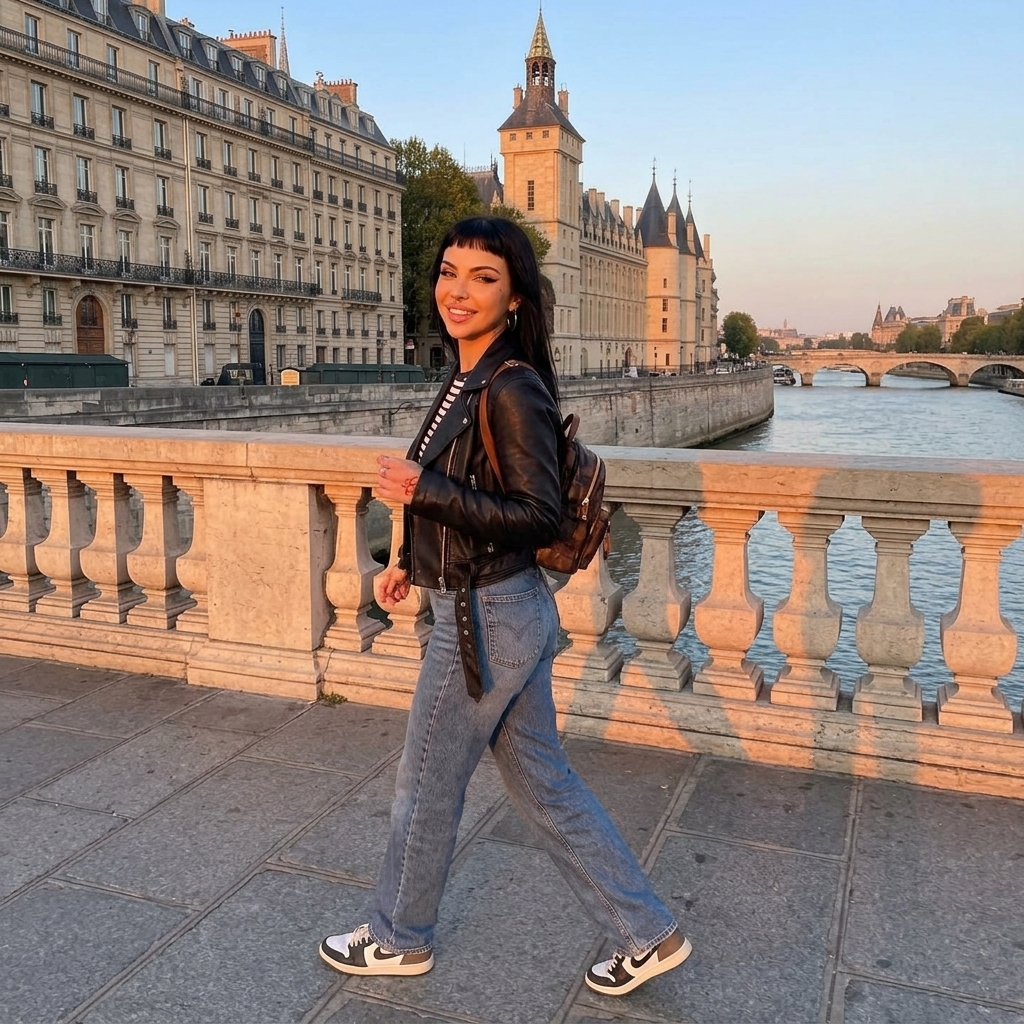
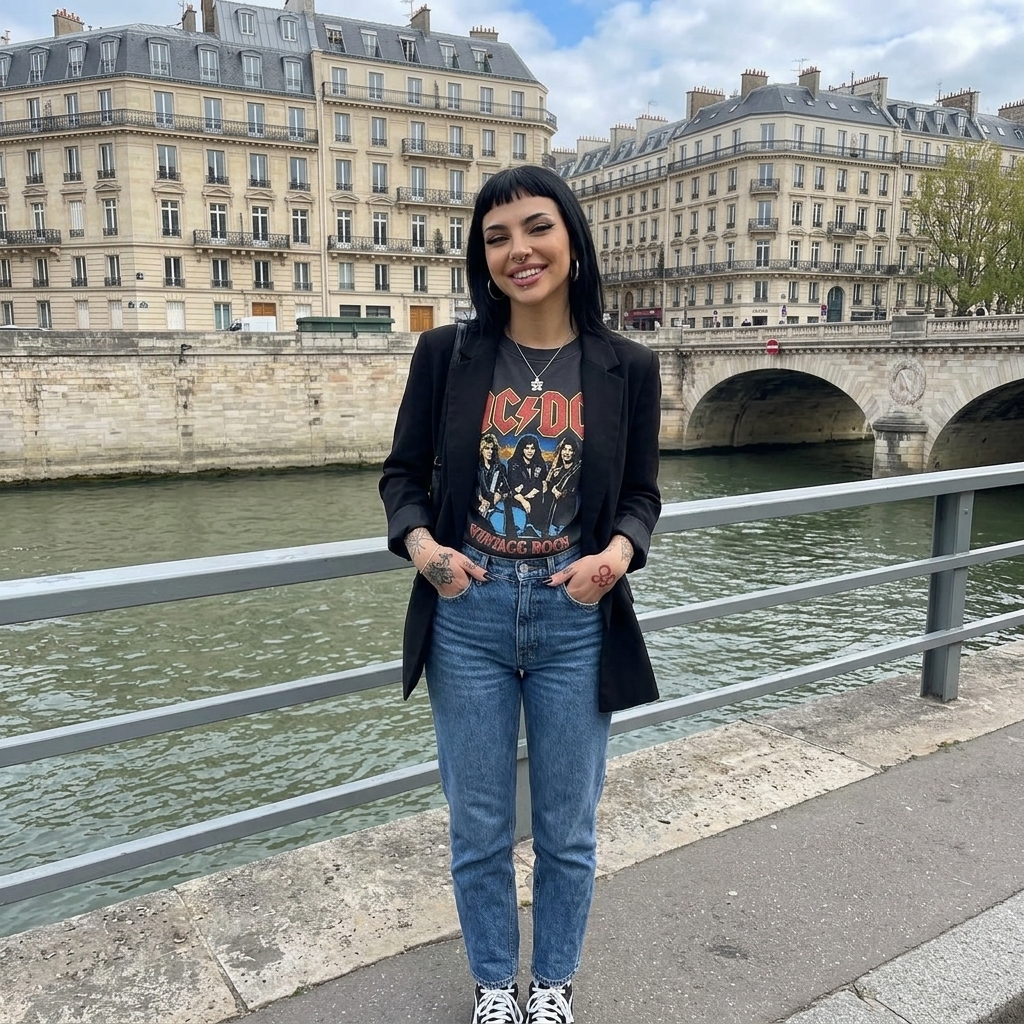
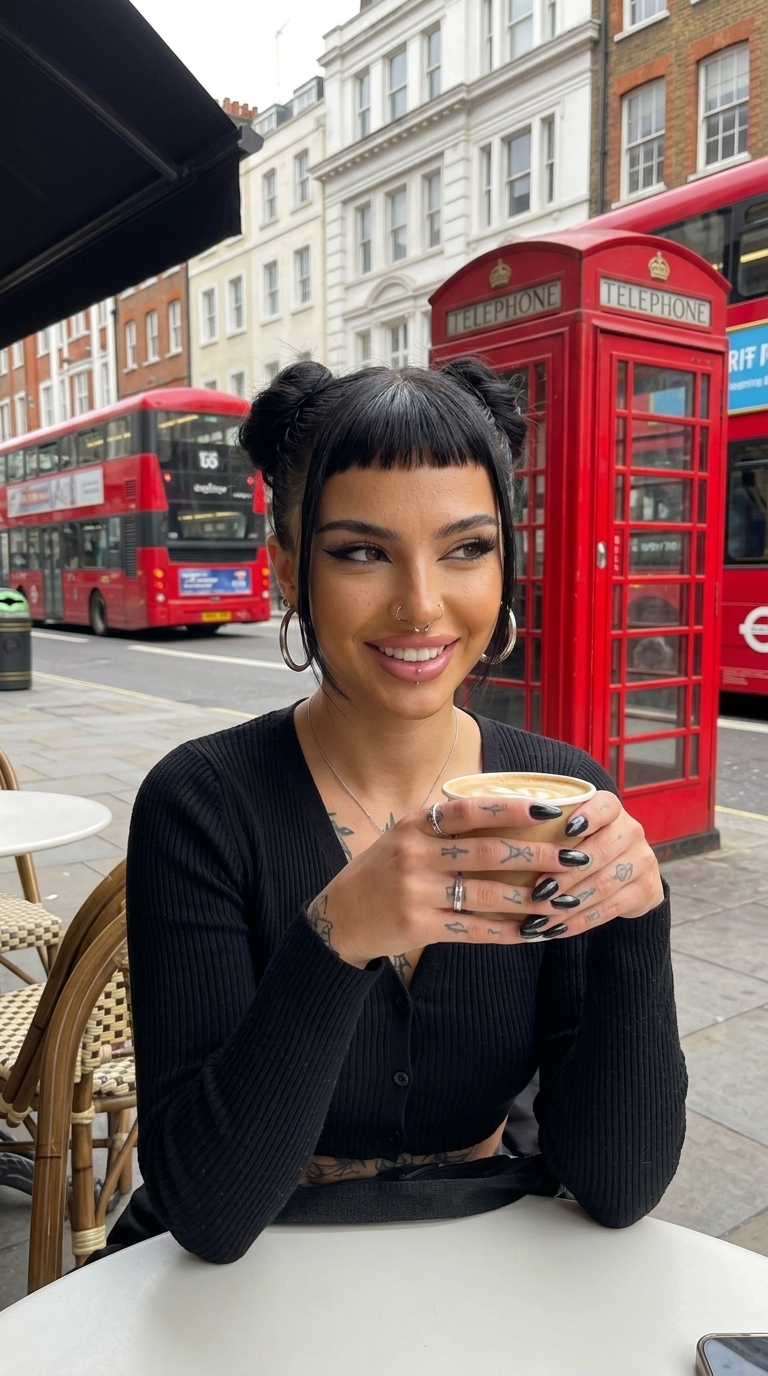
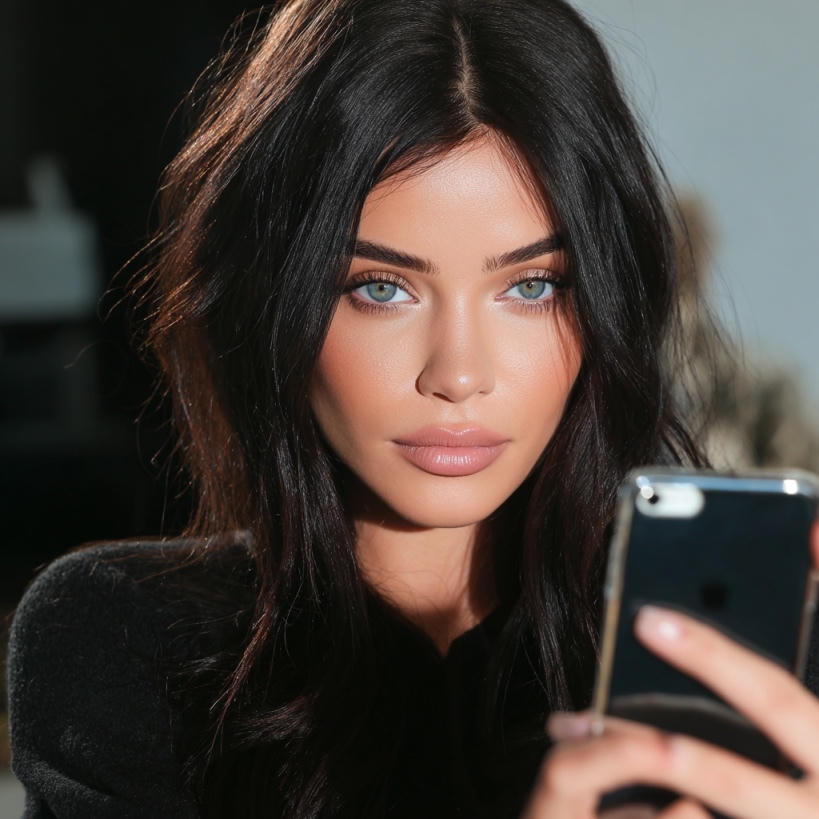
Go Viral on TikTok

@iamsammieAi
TikTok Creator
18.3K
Followers
231.8K
Likes
@elaseraa_
TikTok Creator
10.6K
Followers
152.4K
Likes
@itslinaveria
TikTok Creator
2.3K
Followers
20.3K
Likes
@nianoir51
TikTok Creator
45.2K
Followers
140K
Likes
@realcamiladiaz
TikTok Creator
6.7K
Followers
11K
Likes
@iamsammieAi
TikTok Creator
18.3K
Followers
231.8K
Likes
@elaseraa_
TikTok Creator
10.6K
Followers
152.4K
Likes
@itslinaveria
TikTok Creator
2.3K
Followers
20.3K
Likes
@nianoir51
TikTok Creator
45.2K
Followers
140K
Likes
@realcamiladiaz
TikTok Creator
6.7K
Followers
11K
Likes
Upscale & Enhance
Upscale your images with our Rasgo Upscaler up to 8K resolution.
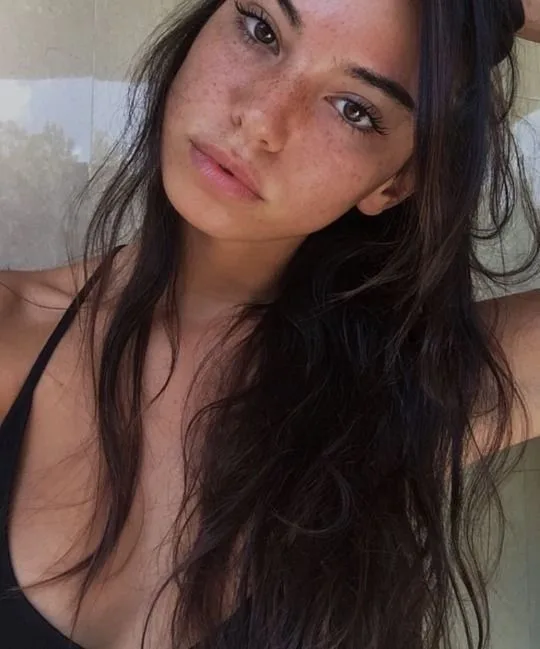
Original · 540×649
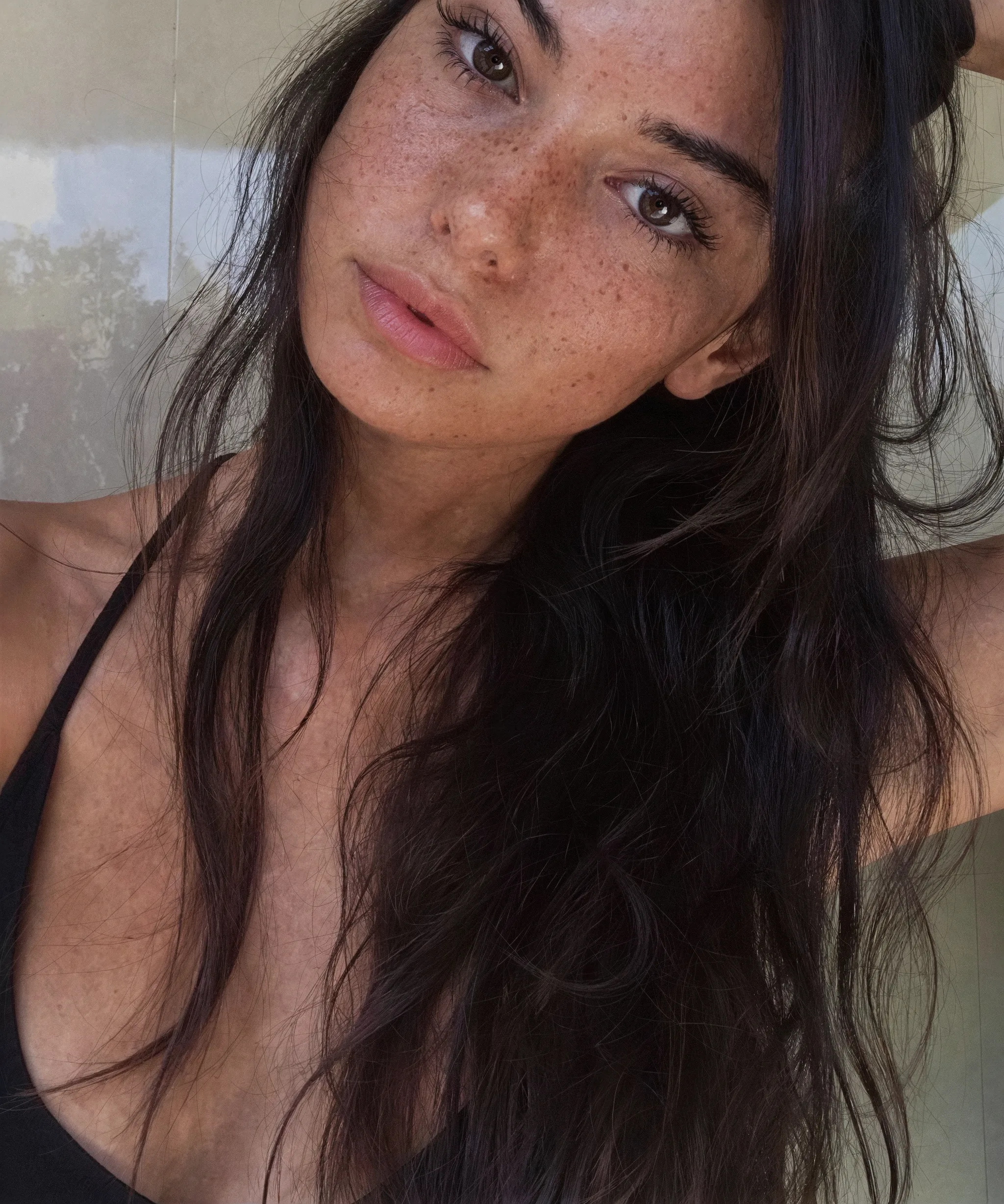
Rasgov4 · 2048×2456
Controls & Features
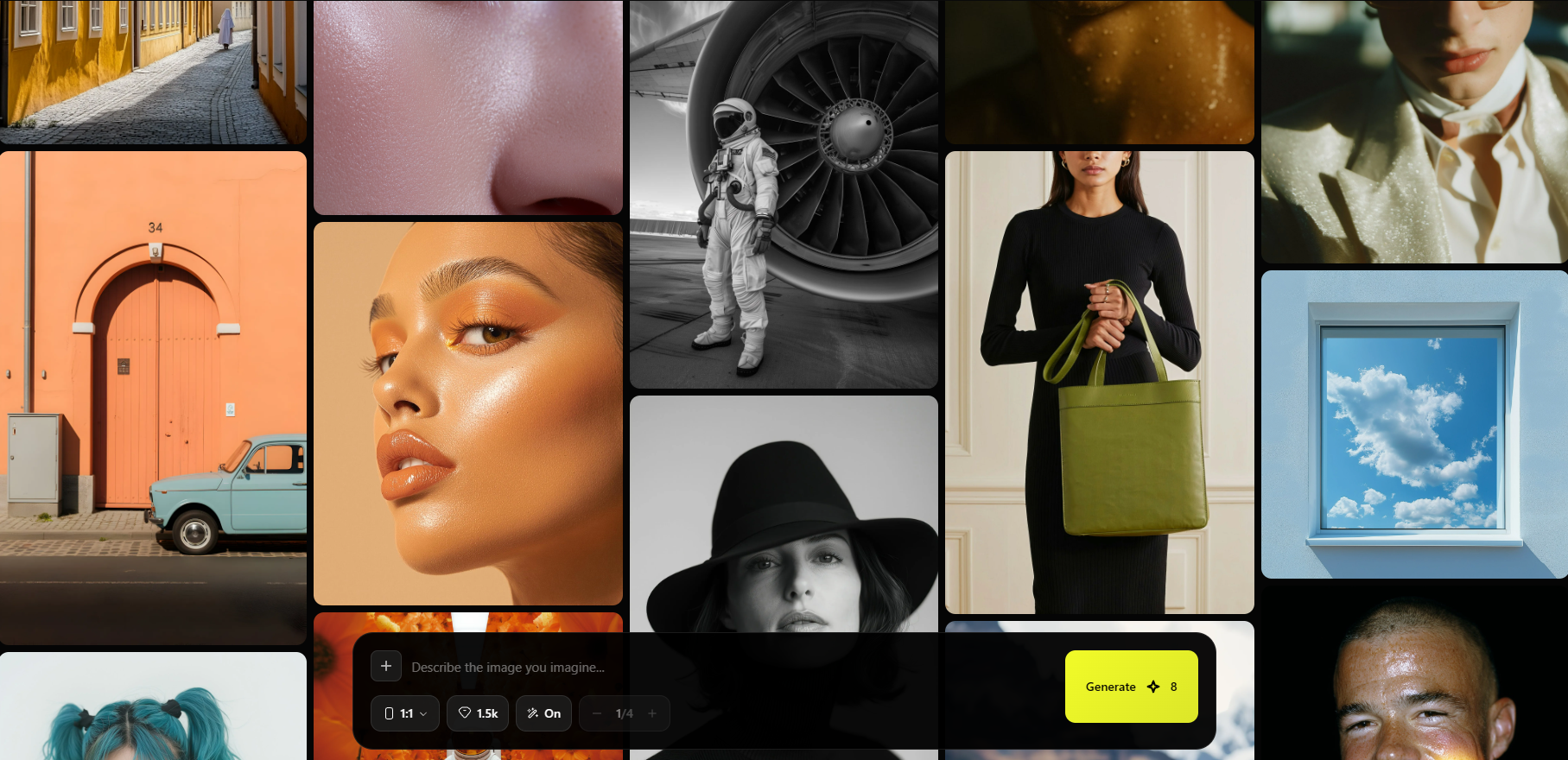
Complete control over every part of your AI character, from identity to scene, with the precision of a studio workflow.
Generation Mode
One unified workspace for every workflow, pick a mode and go.
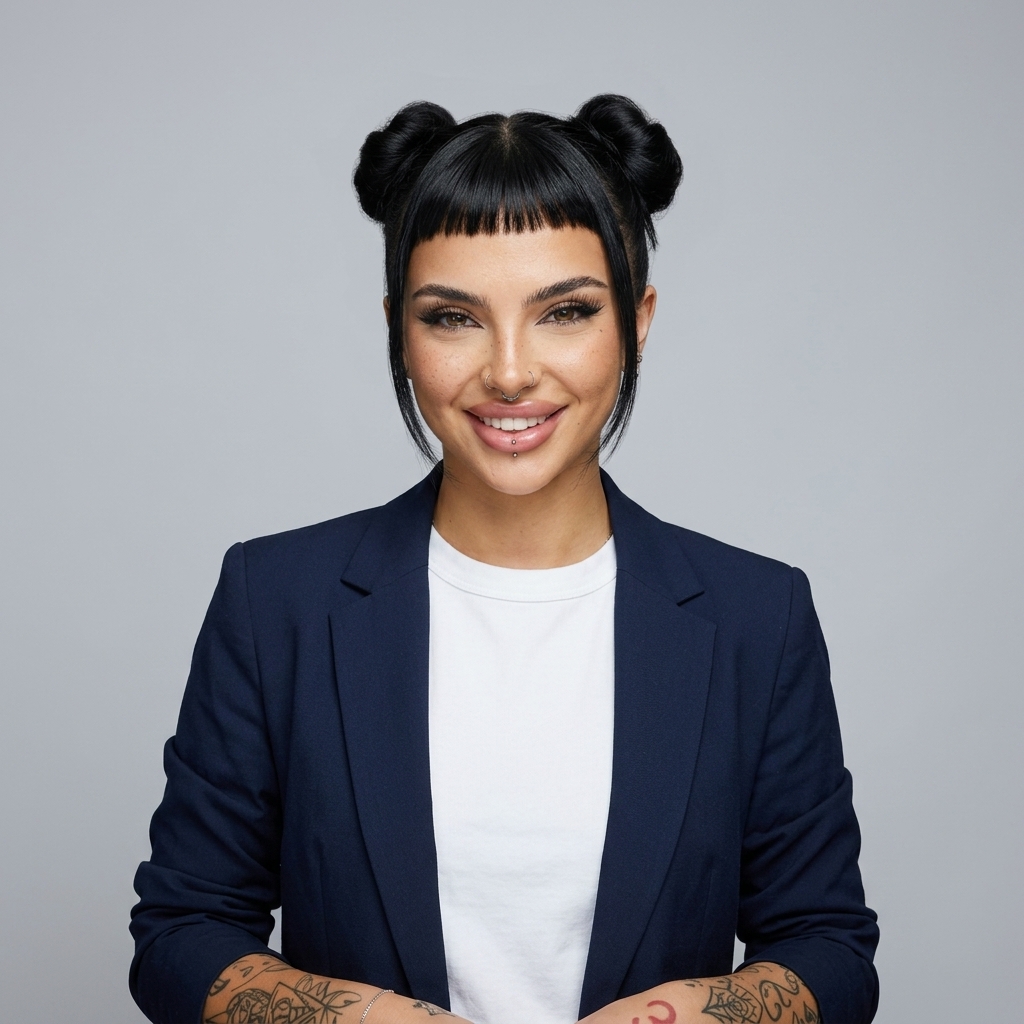
Processing Mode
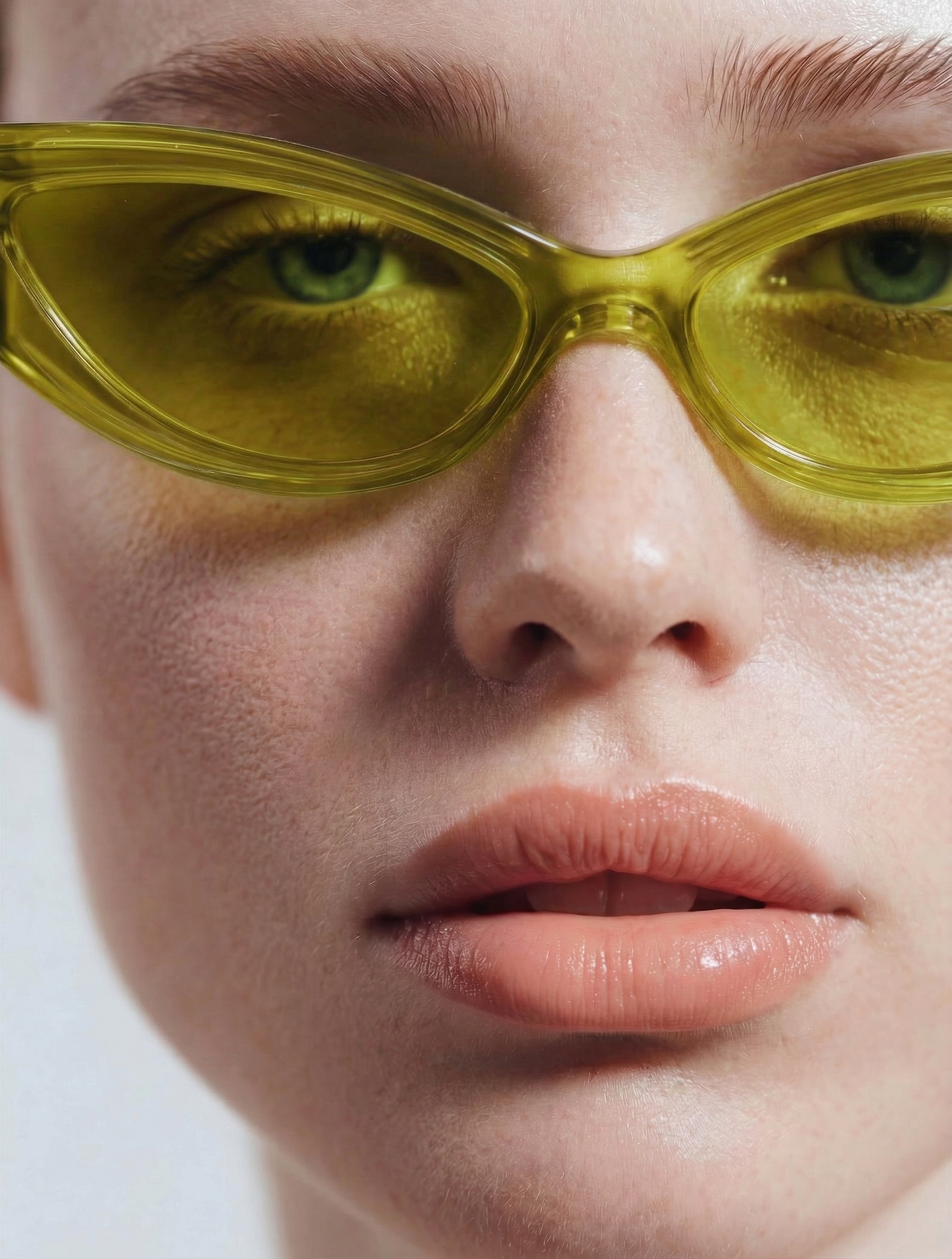
Exceptional sharpness and ultra-realistic skin texture in every output.
Effects
Stylize any image with film, editorial, anime, and more.
Effect Settings
CloseUpscaler
Push any image to crisp, print-ready resolution.
Resolution
AI Video
Bring your AI character to life with hyper-realistic motion.
Aspect Ratio
Length & Audio
Pixel-Perfect Realism
Every pore, every strand, every micro-expression, preserved. Rasgo reconstructs the fine details that other AI tools destroy, so your influencers look real at any resolution.
Skin Detail
Pores & Texture
Print Ready
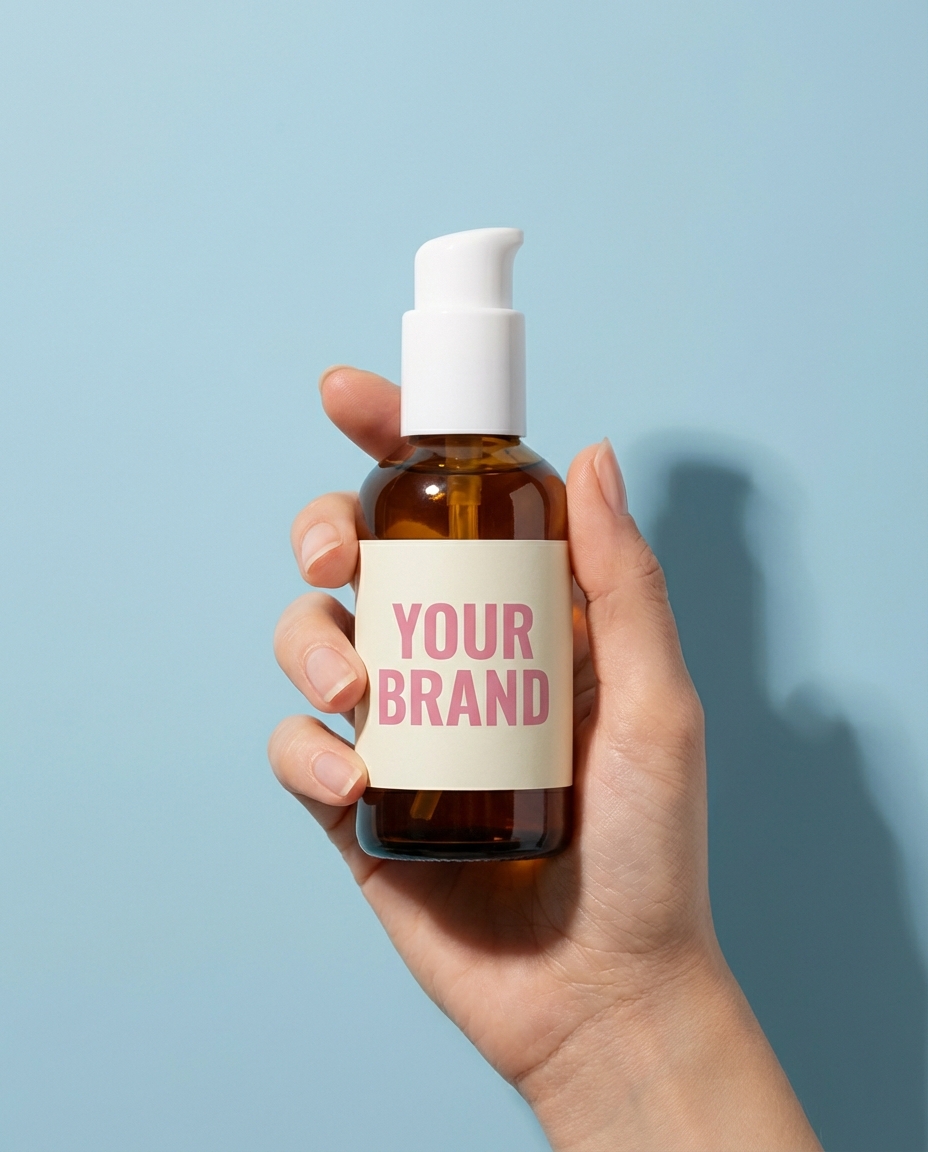
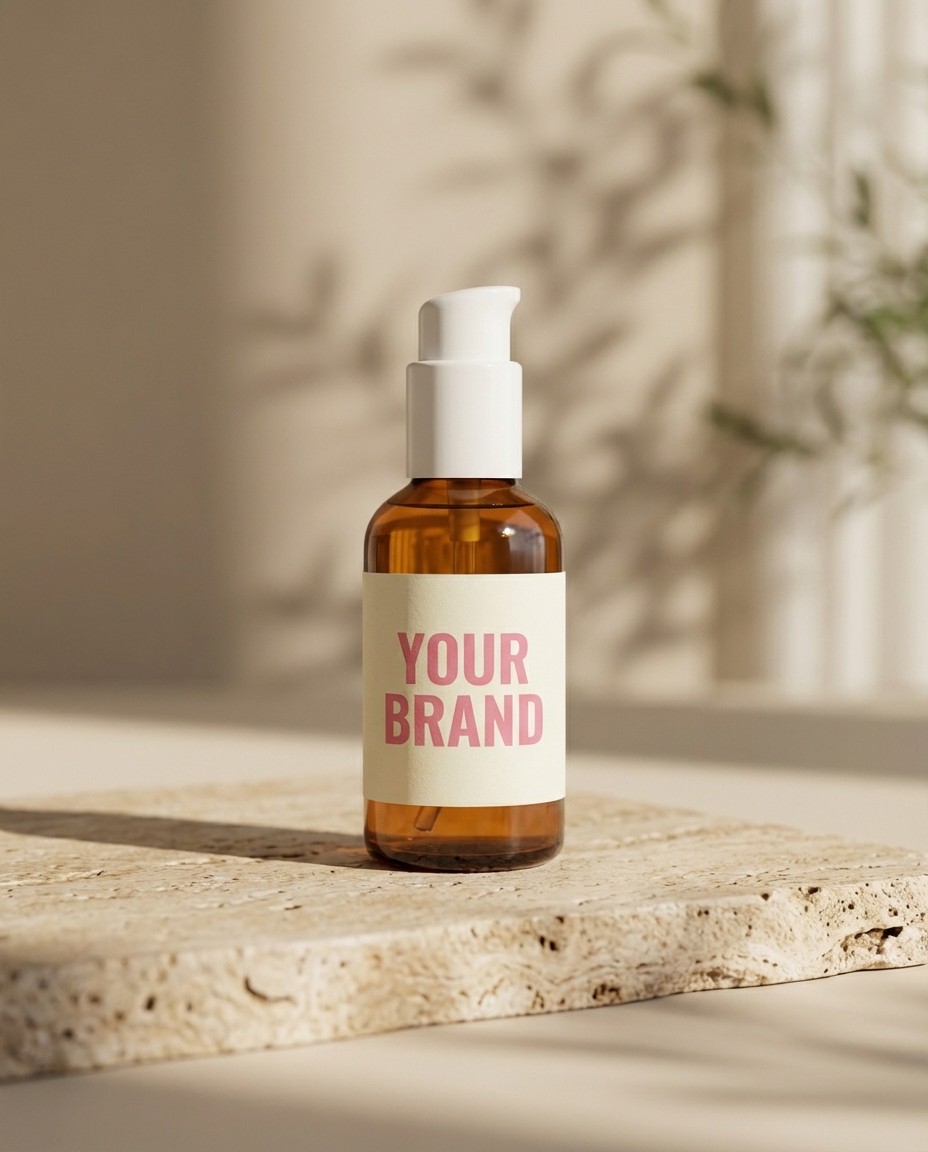
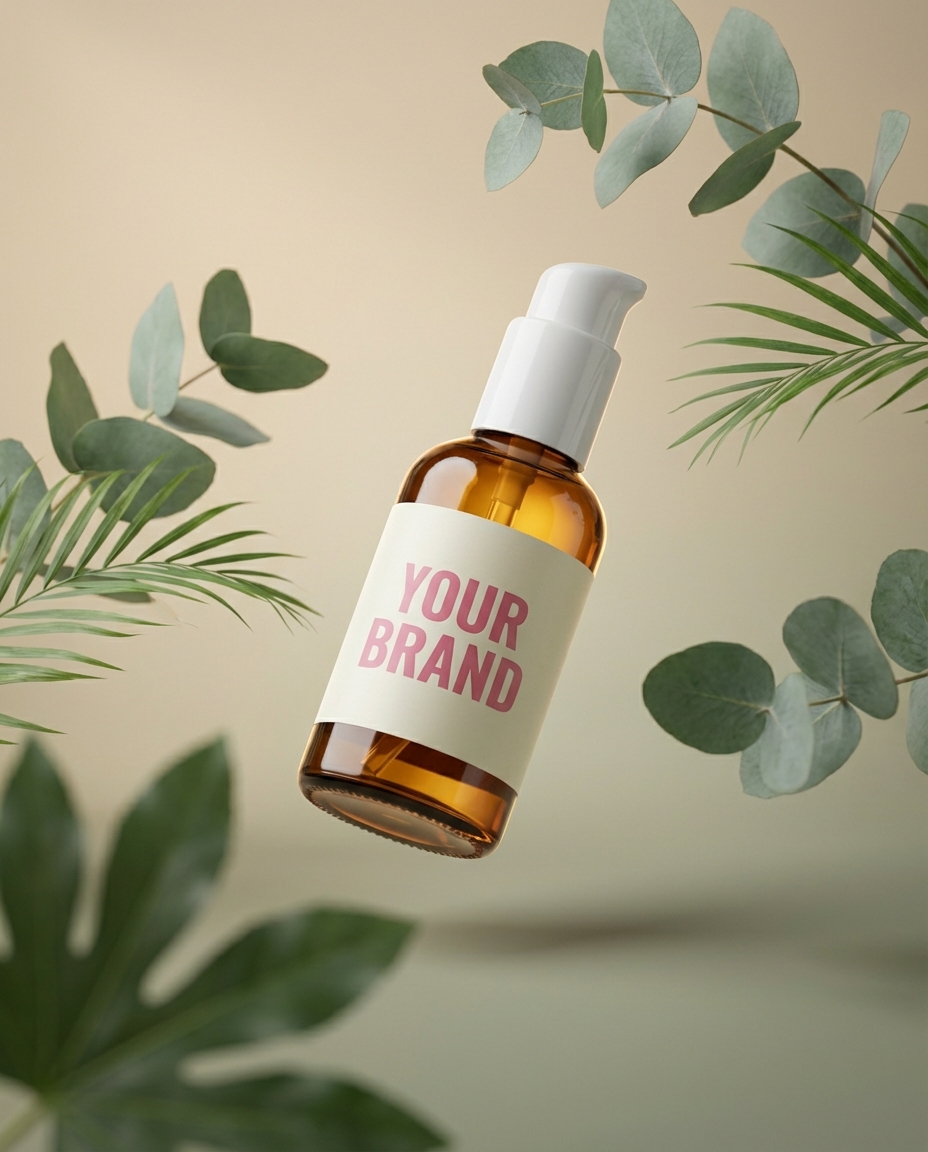
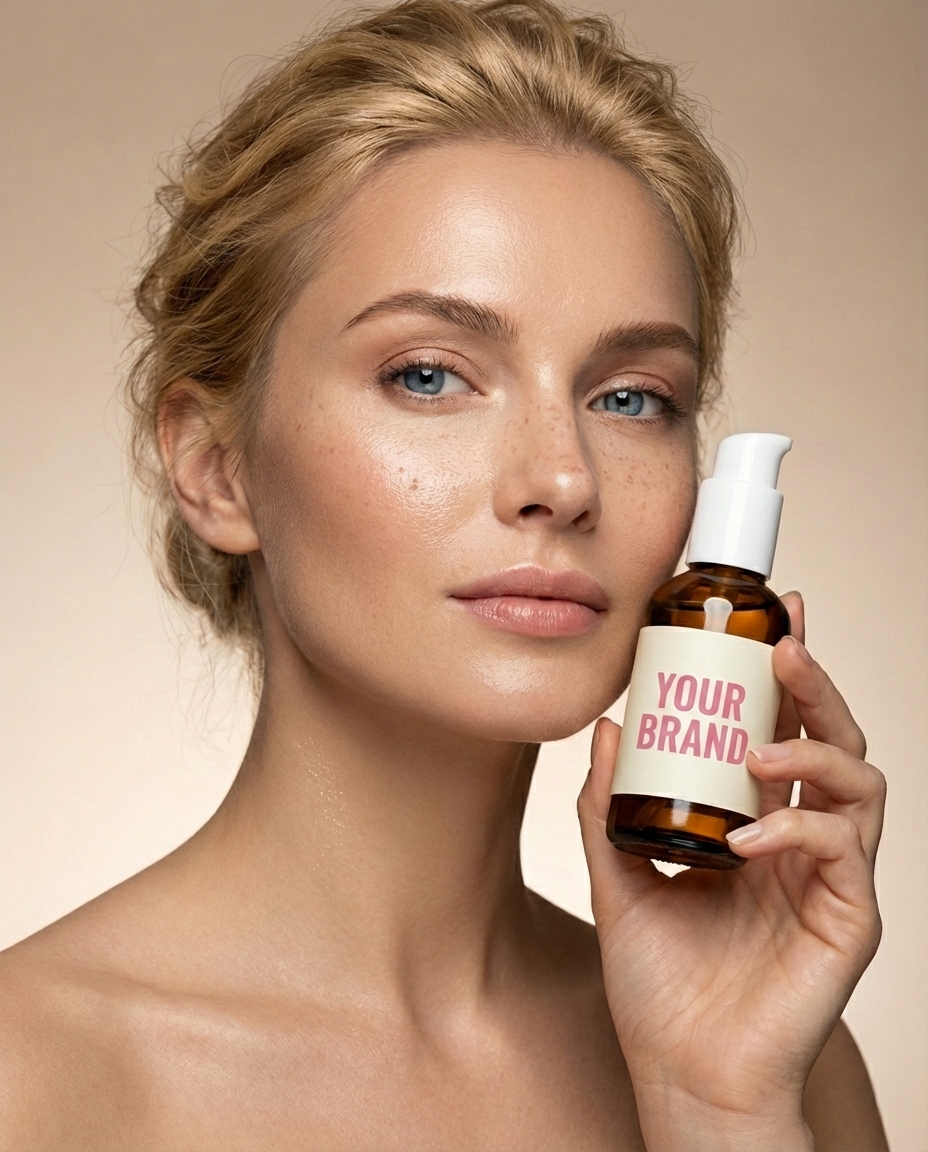
What Our Creators Say.
Join thousands of creators, agencies, and brands building their content empire with Rasgo.
One of my AI influencer reels hit 2.4M views in a week. I haven't shown my face on camera once — Rasgo built the entire brand for me.

The 8K upscaler is unreal. We print our AI shoots on billboards and nobody can tell they weren't shot on a real camera. Saved us $12k on the last campaign alone.

I was paying UGC creators $400 per video. Now I generate 30 a month with Rasgo for the price of one. My DTC store is finally profitable.

One of my AI influencer reels hit 2.4M views in a week. I haven't shown my face on camera once — Rasgo built the entire brand for me.
The 8K upscaler is unreal. We print our AI shoots on billboards and nobody can tell they weren't shot on a real camera. Saved us $12k on the last campaign alone.
I was paying UGC creators $400 per video. Now I generate 30 a month with Rasgo for the price of one. My DTC store is finally profitable.






Why Rasgo
Hyper-Realistic
Generations
Rasgo produces AI humans with lifelike skin texture, natural lighting, and anatomical accuracy that other generators can't match.
Human-First
Upscaler
The only upscaler engineered for AI portraits. Reconstructs skin pores, iris detail, and hair strands instead of smoothing them away.
Consistent
AI Influencers
Generate the same AI influencer across photos, styles, scenes, and content without losing facial identity, vibe, or brand consistency.
Product
Placement
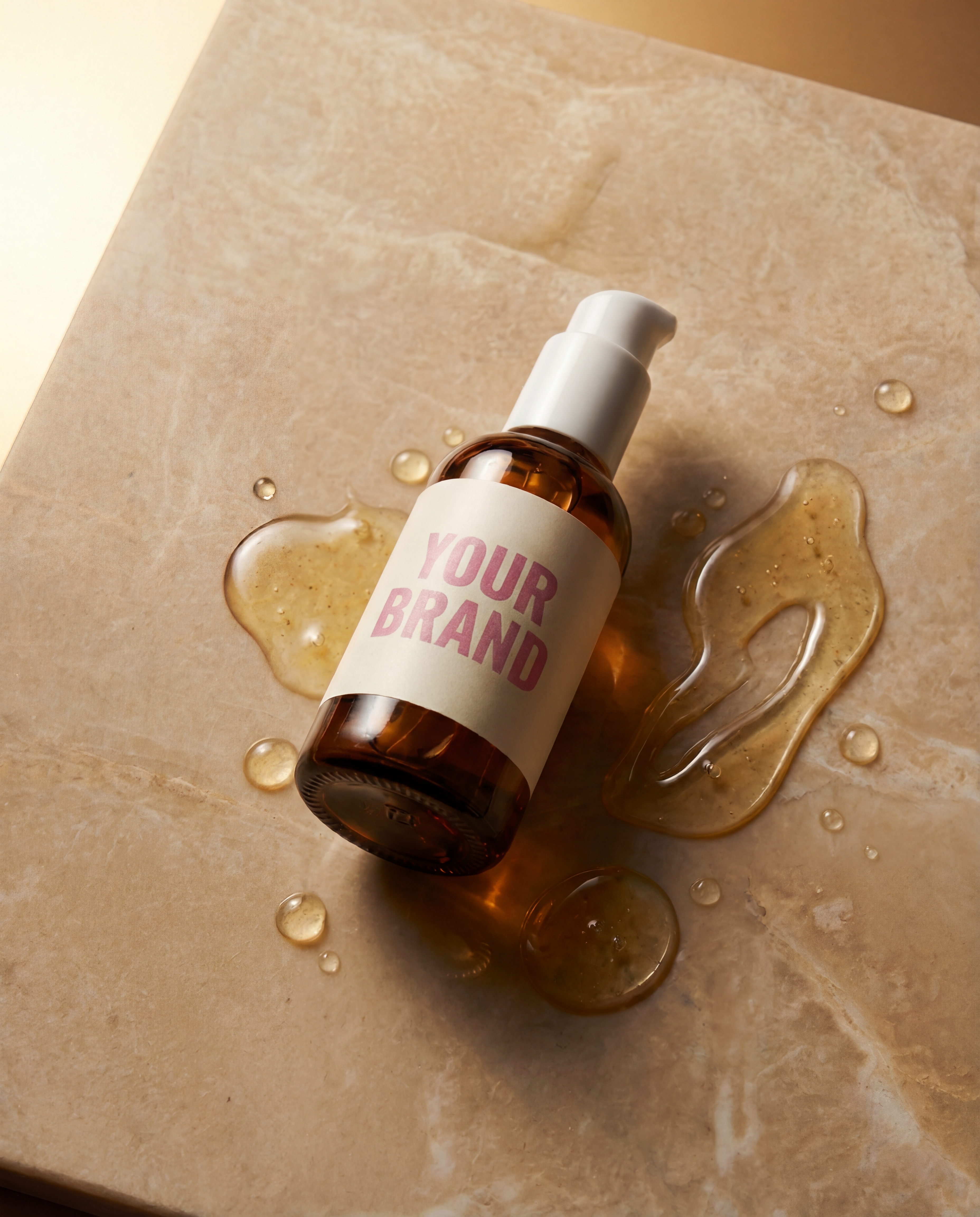
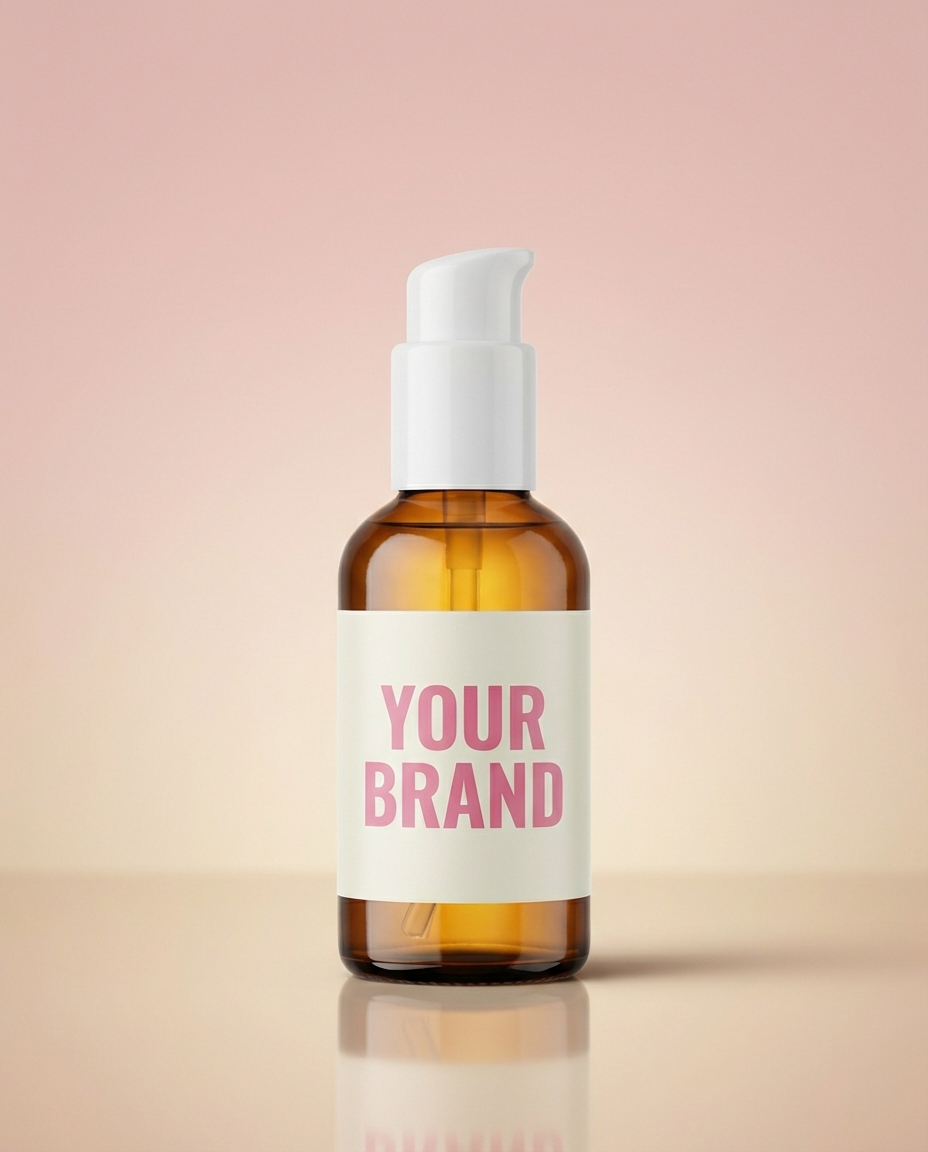
Place any product naturally into your AI influencer's hands. Create authentic branded content and photoshoots without expensive studios.
Pick a plan
Scale creativity with higher limits, priority access, and early features.
Compare plans
See what each plan can make
Starter
Creator
Pro
Common
Questions
Everything you need to know about Rasgo.
Upload the portrait to Skin Fix, choose the available settings, and run the repair. Compare the output with the original for texture, facial features, and lighting before using it.
You can upload a supported image from another generator. The workflow edits the supplied image; it does not require a direct connection to the generator that created it.
The workflow aims to retain the source portrait, but generative edits can change details. Check the eyes, mouth, facial structure, and identifying marks in the result.
It generates plausible texture rather than recovering the exact original skin. Do not treat the output as a factual reconstruction of a real person.